


Ergonomic Triple-Connect Wireless Mouse
-
Free Shipping Over $60
-
Free returns
-
Carbon neutral
-
Secure payments
Work Smarter. Find a More Comfortable Grip.
A conventional mouse keeps your hand in a familiar flat position. This vertical wireless design takes a different approach, with an angled handshake-style grip, multi-device connectivity and adjustable tracking sensitivity for a more adaptable workspace.
Whether you're moving between work documents, browsing the web or switching between computers, enjoy practical controls in one thoughtfully arranged desktop companion.
A Different Mouse Shape for Your Everyday Workspace
Hours of clicking, scrolling and navigating can make your hand feel tired of the same position. A vertical mouse changes how your hand rests on the device, giving you an alternative to the traditional flat mouse shape.
Vertical Hand Position
The angled body encourages a handshake-style grip rather than placing your palm completely flat on the desktop.
Adjustable Cursor Speed
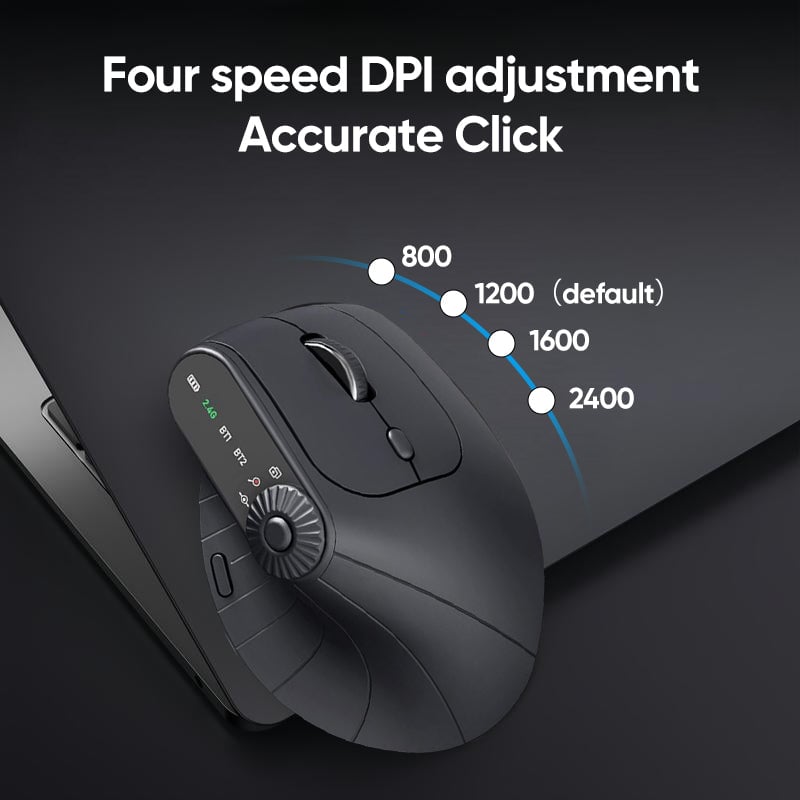
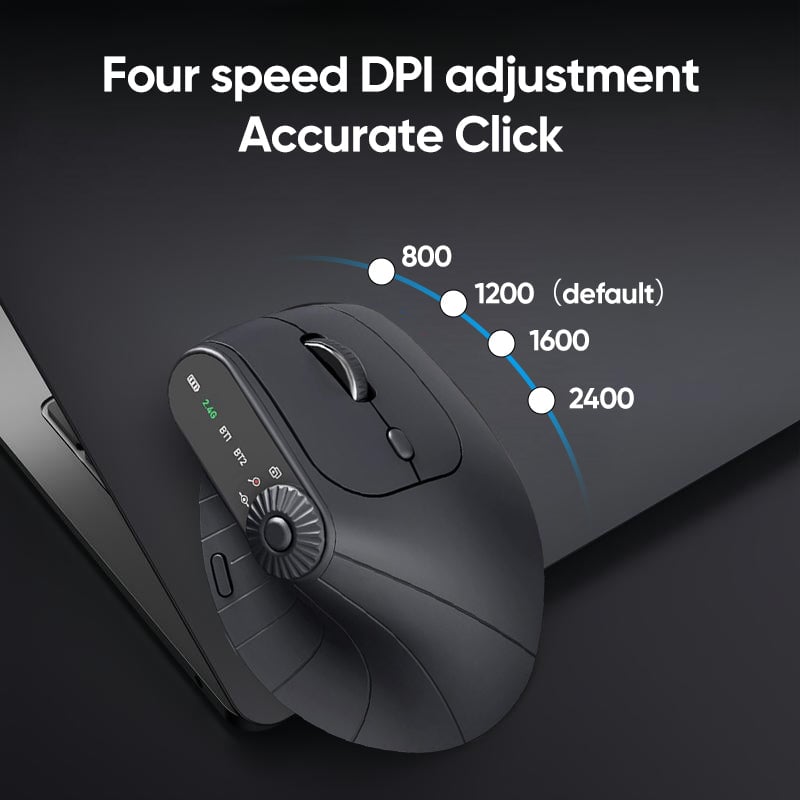
Choose from four DPI settings to suit different screen sizes, tasks and personal cursor preferences.
Switch Between Devices
Three connection channels make it easier to work across multiple compatible computers without keeping separate mice on your desk.
A Handshake-Style Angle That Changes Your Grip
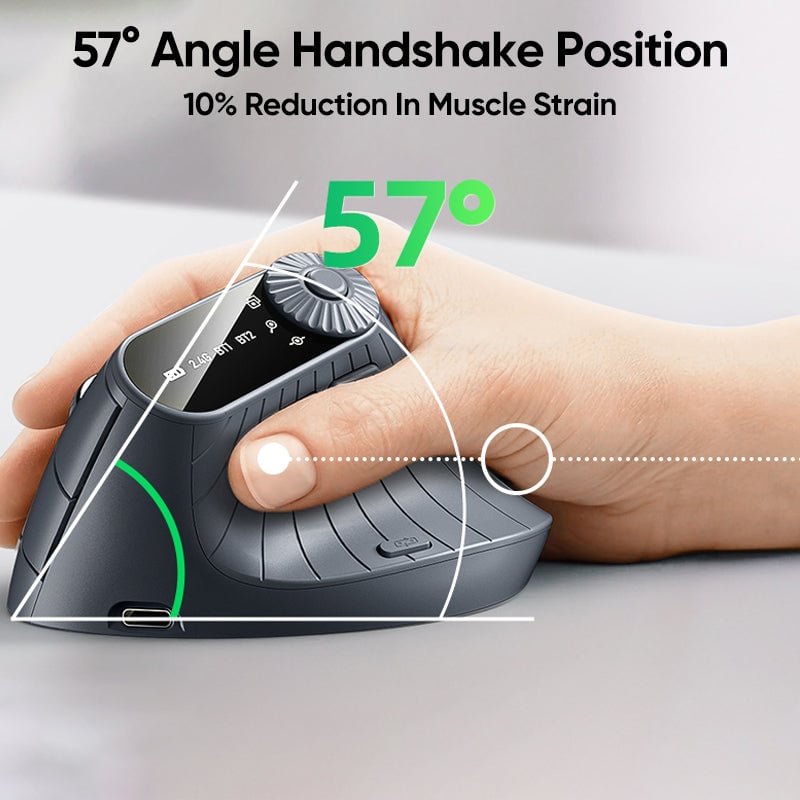
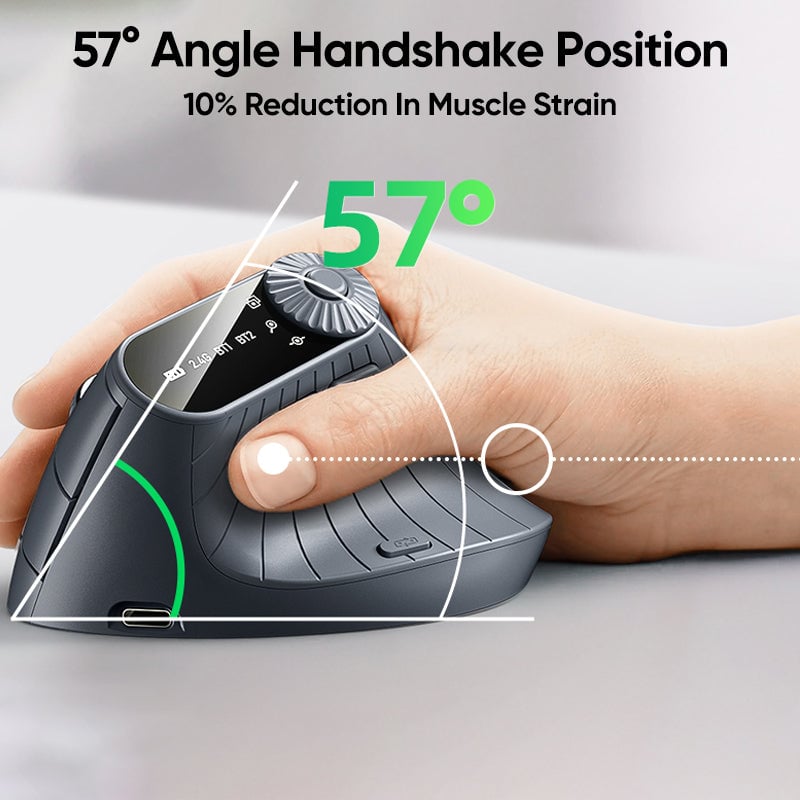
The 57° vertical shape positions the hand at an angled, handshake-like orientation. Instead of resting your palm flat over a conventional mouse, your hand wraps around the raised body.
This alternative grip can feel more natural for people who prefer a vertical mouse shape, especially when working through long sessions of browsing, writing and everyday computer tasks.
The contoured body provides a defined place for your palm and fingers, while the main controls remain within reach.
Comfort is personal. Allow yourself time to get used to the vertical grip, and adjust your desk and wrist position to suit your own working habits.
Move Between Devices Without Rebuilding Your Setup
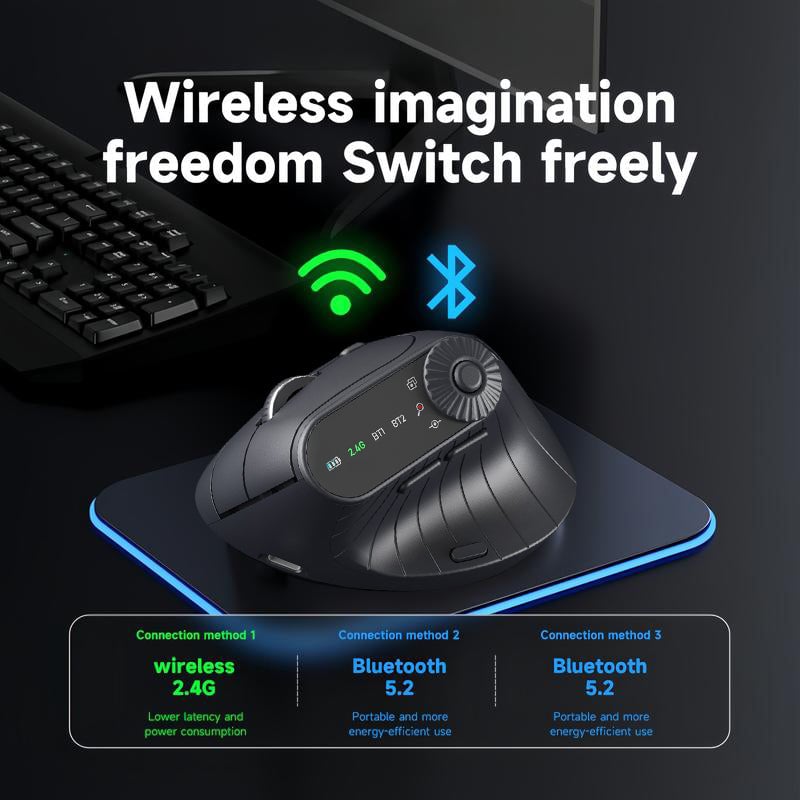
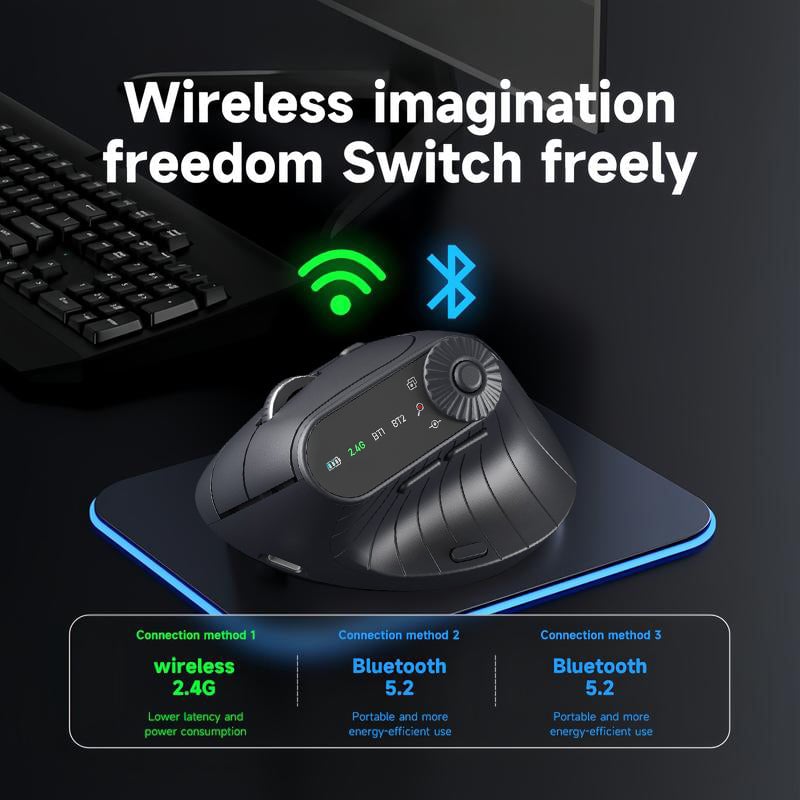
Working on a desktop, laptop and another compatible device? The triple-connect design gives you three connection channels to organize your workspace more efficiently.
Use the compatible USB receiver for a direct wireless connection to a device with a suitable USB port.
Pair with a compatible Bluetooth-enabled computer or mobile device for a cable-free desktop setup.
Keep a second Bluetooth pairing available for another compatible device and switch when needed.
Connection availability depends on the device and operating system. The 2.4G mode requires the compatible receiver; Bluetooth mode requires Bluetooth support on the connected device.
Set the Cursor Speed to Match the Task
Not every task needs the same cursor movement. Fine selections, document editing and detailed work can benefit from a different sensitivity than quick navigation across a larger display.
Choose from four optical tracking sensitivity levels using the dedicated DPI control. The adjustment gives you more flexibility to find a cursor speed that feels right.
A lower DPI setting offers slower cursor movement, while a higher setting moves the cursor farther with the same physical mouse movement.
More Than the Standard Left and Right Click
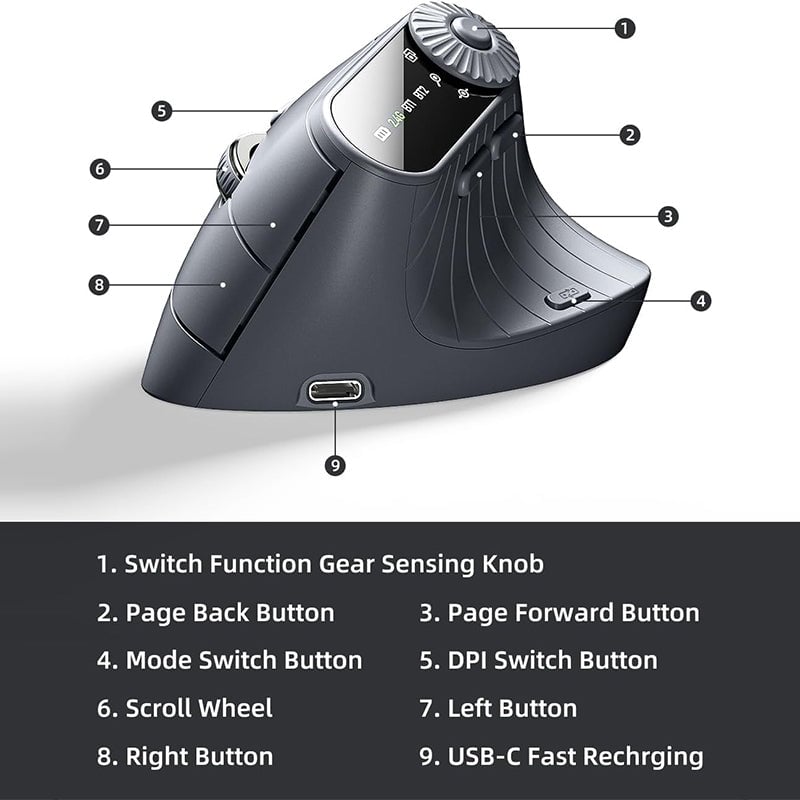
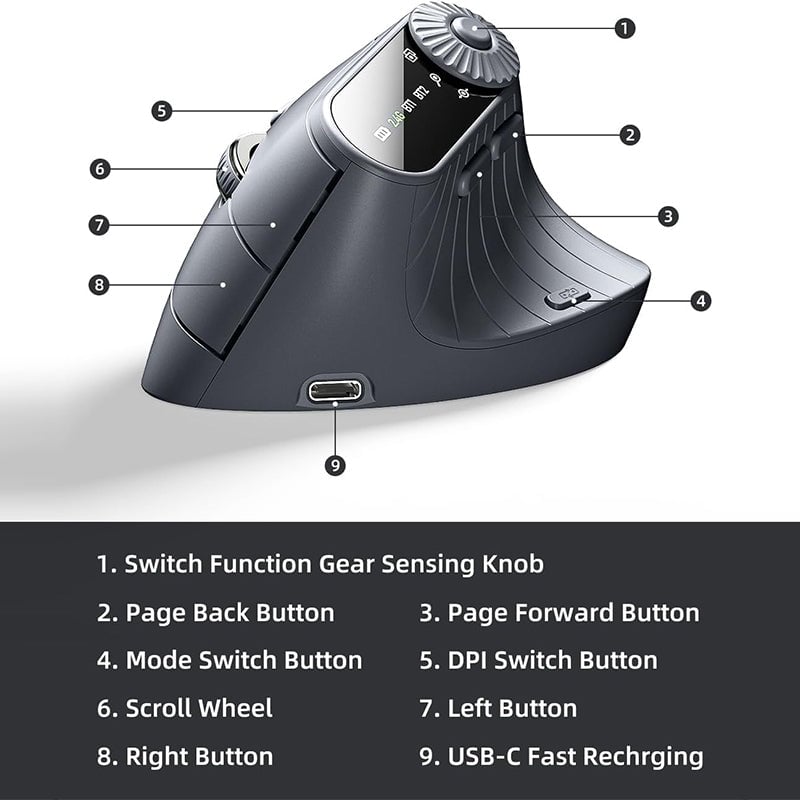
The control layout brings frequently used functions into one compact design. Scroll through pages, navigate between browser tabs and adjust cursor sensitivity without reaching for separate accessories.
USB-C Charging for a More Convenient Setup
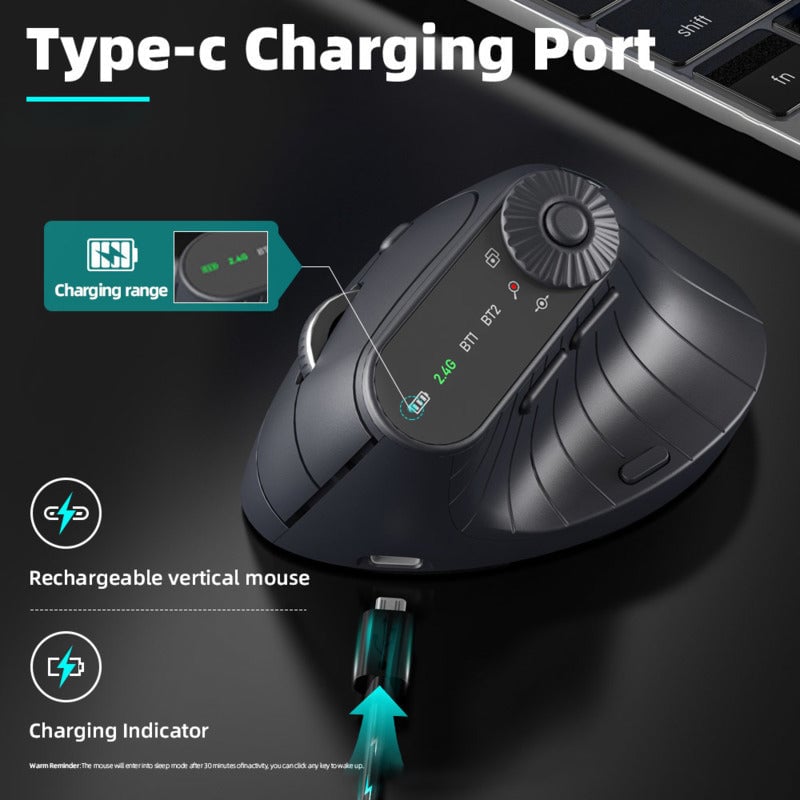
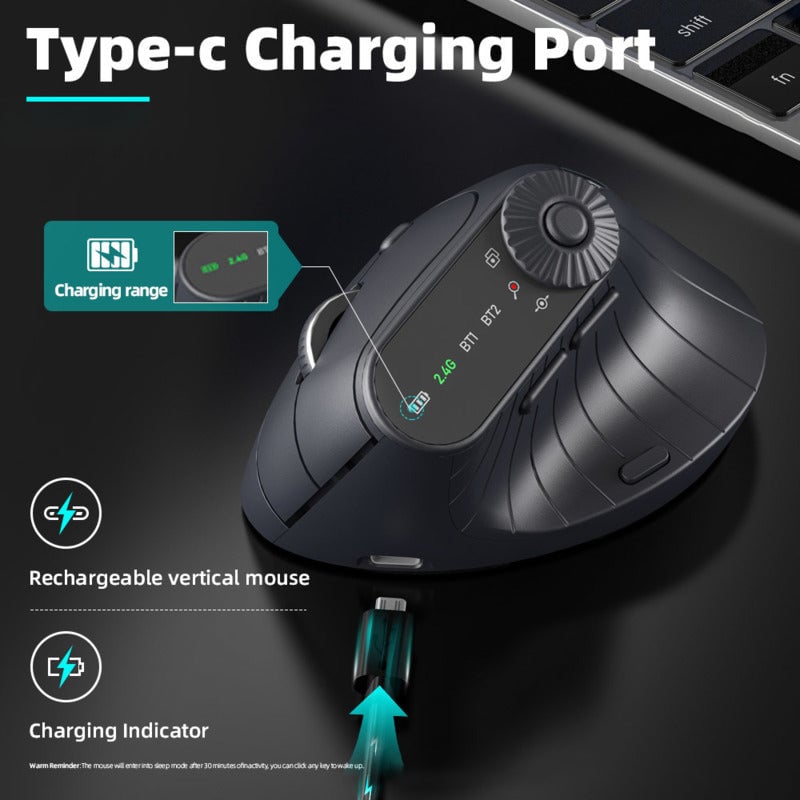
A rechargeable mouse means you don't need to keep replacing disposable batteries. When the battery runs low, connect the mouse to a suitable power source through its USB-C charging port.
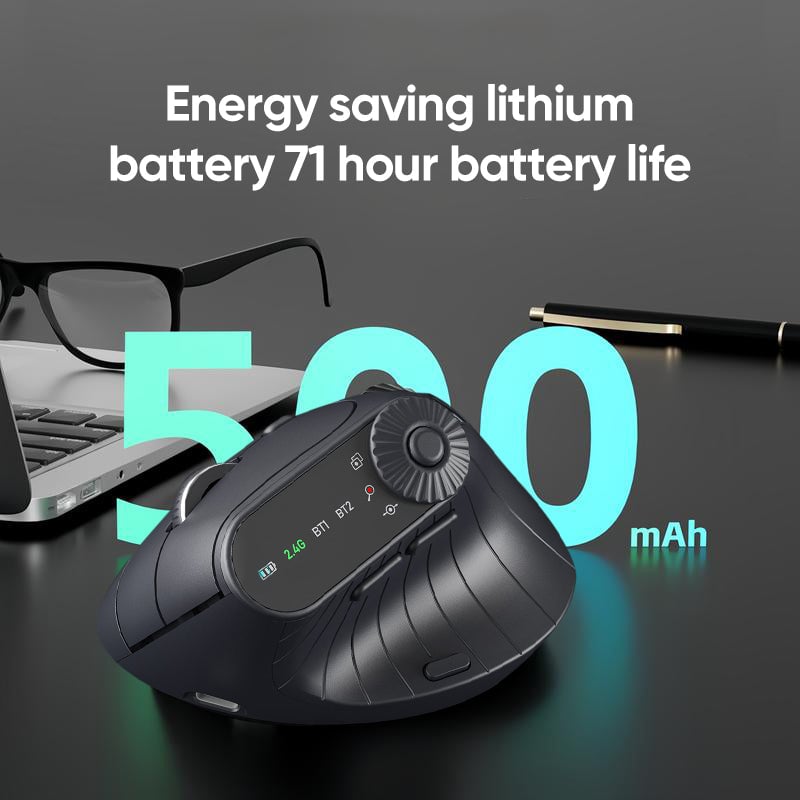
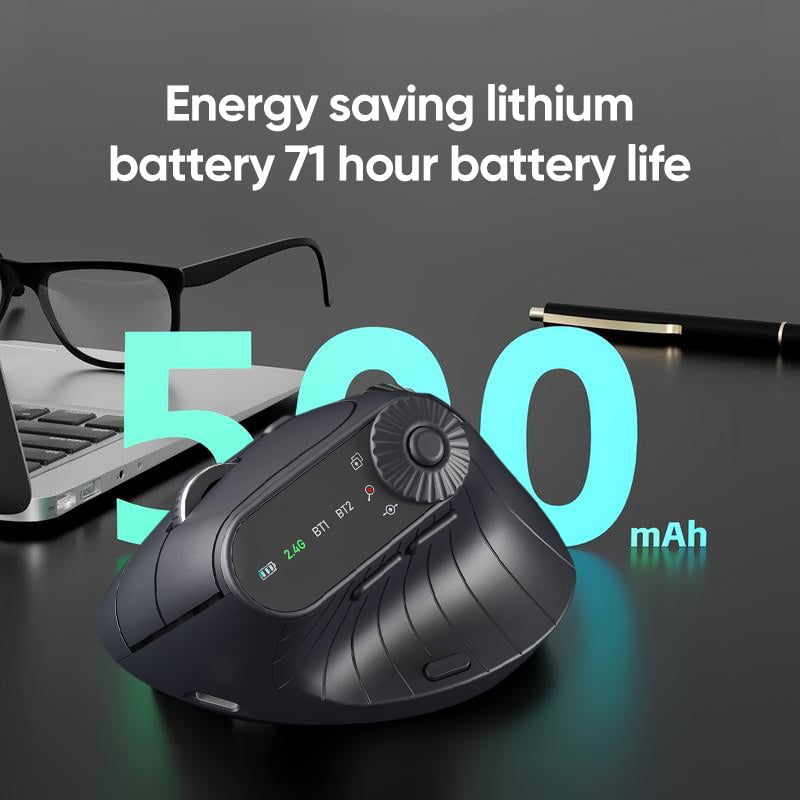
The product is listed with a 500mAh lithium battery and a stated battery-life figure of up to 71 hours. Actual runtime varies with usage, connection mode and operating conditions.
The mouse also enters a power-saving mode after approximately 30 minutes of inactivity. Press a button to wake it when you return to your desk.
One Mouse for Your Compatible Devices
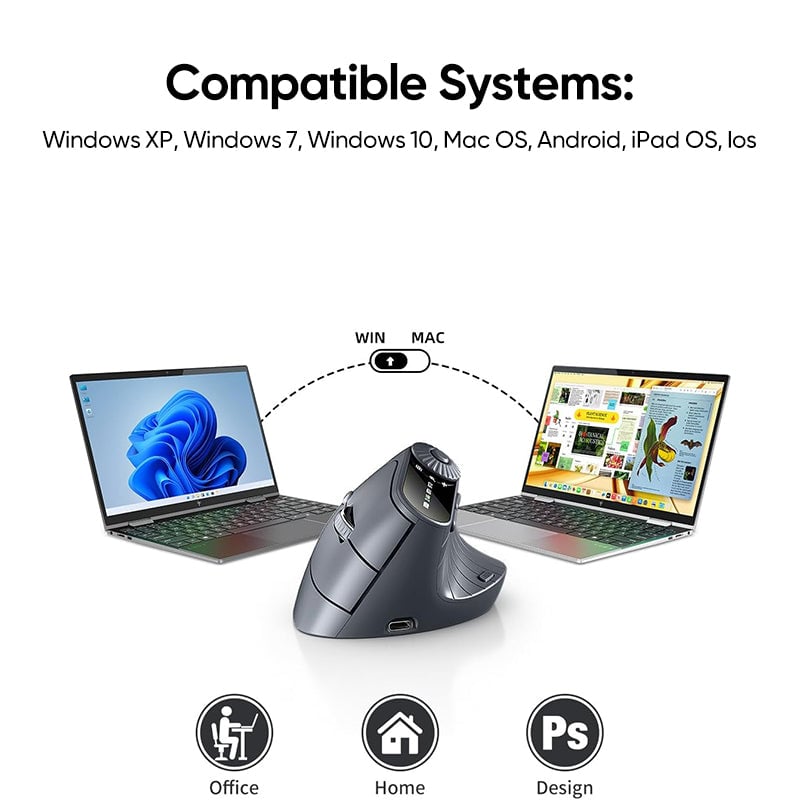
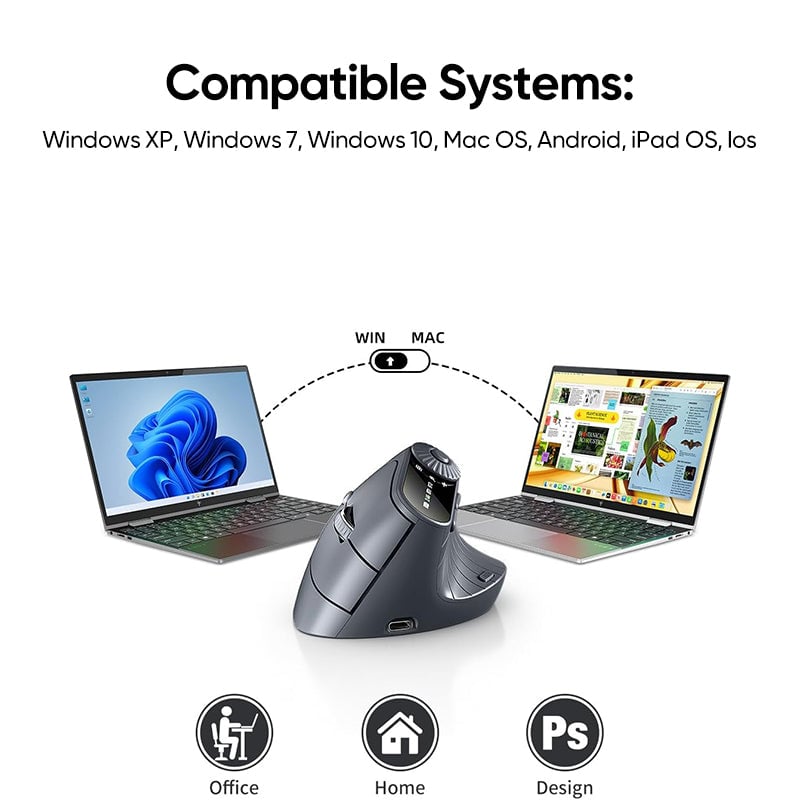
Use it across a range of desktop and portable computer setups. Choose the connection mode supported by your device and operating system.
Office & Productivity
Navigate spreadsheets, documents, email and everyday desktop applications.
Home Computing
A practical alternative for browsing, studying and managing personal projects.
Design & Navigation
Select a suitable DPI setting for detailed cursor work and general creative software navigation.
Thoughtful Details from Every Angle
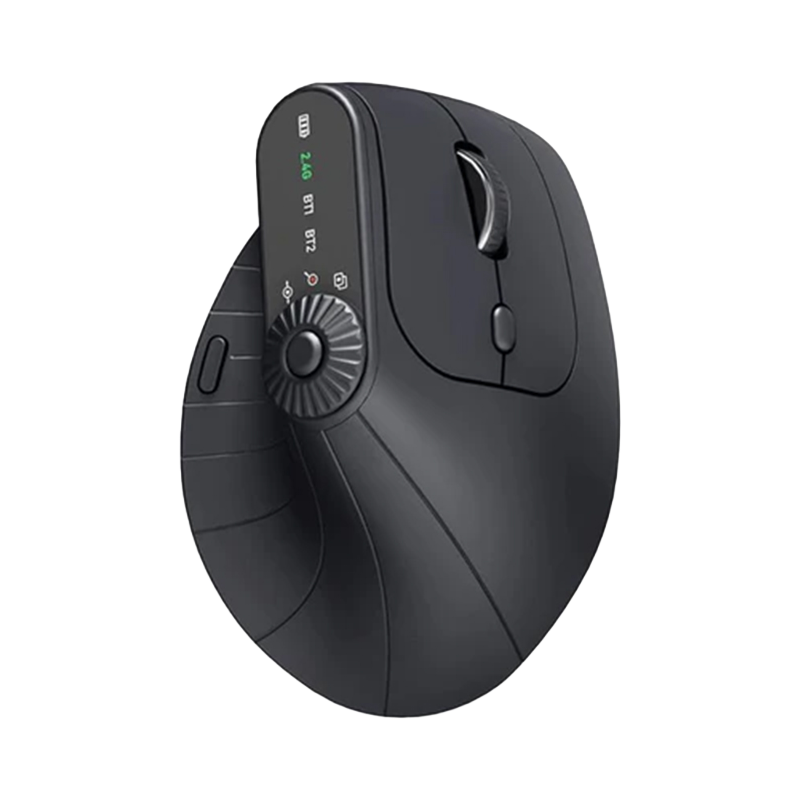
The sculpted vertical body, raised control surface and textured scroll wheel create a distinctive shape designed around a different way of holding and using a mouse.
A Look That Fits Your Workspace
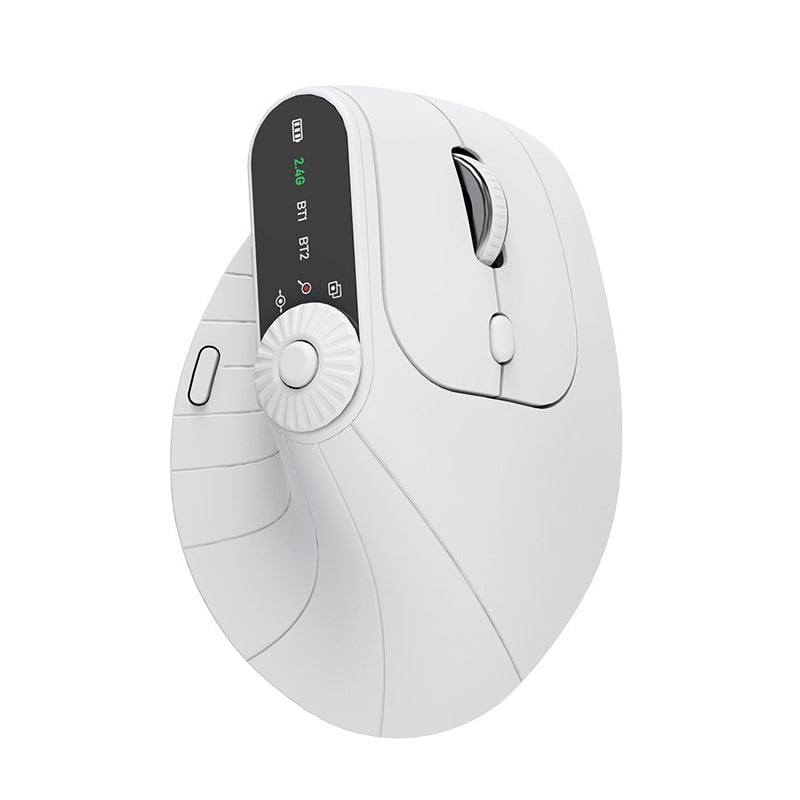
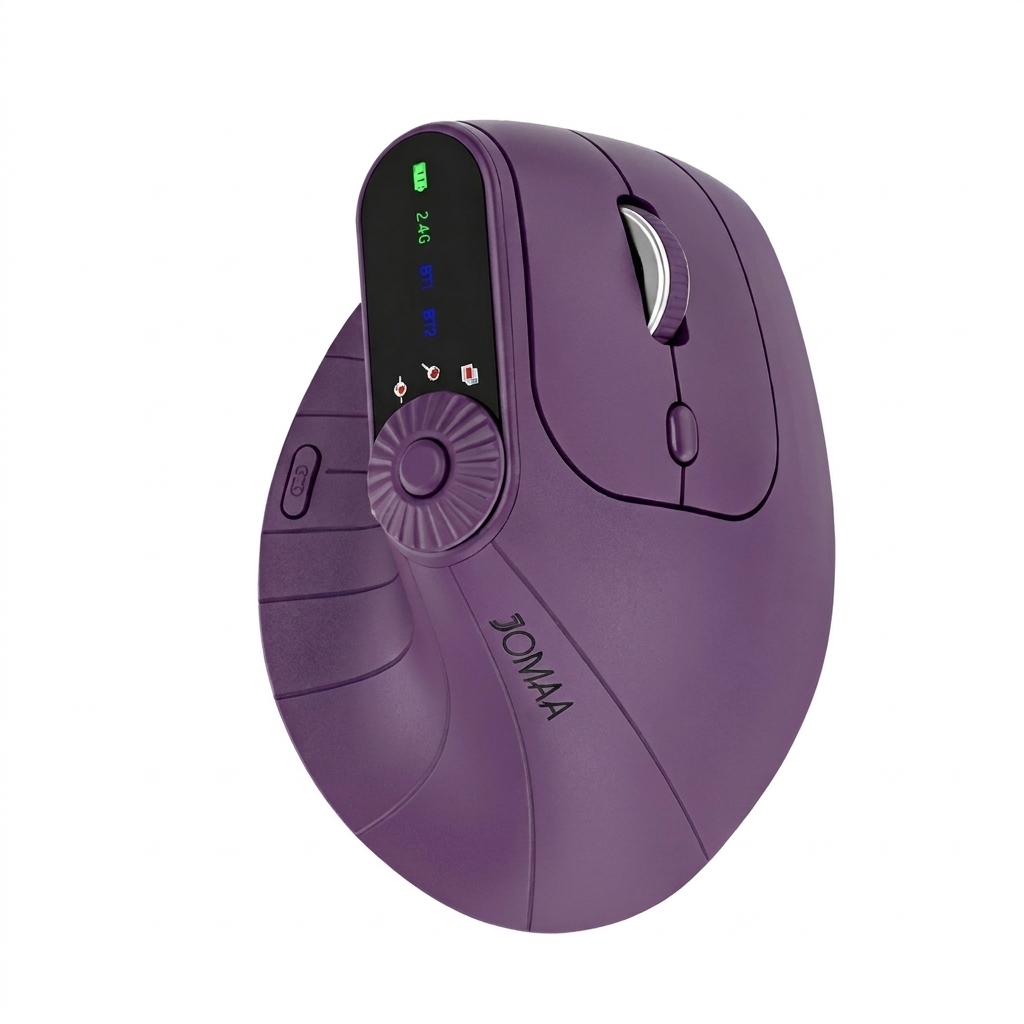
Choose a clean neutral finish or add a subtle touch of color to your desk setup.
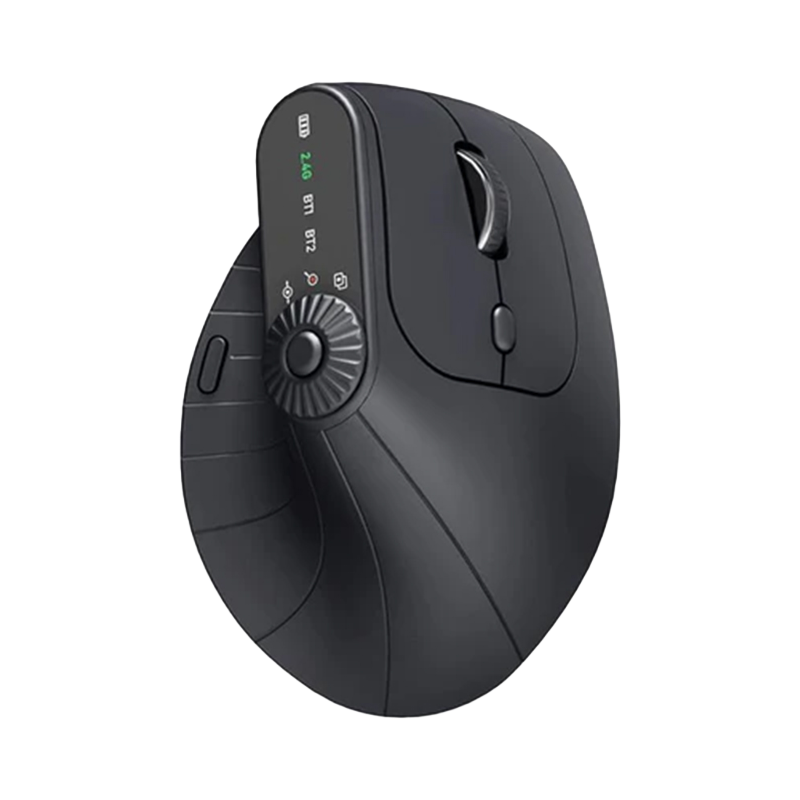
Black
Classic and understated
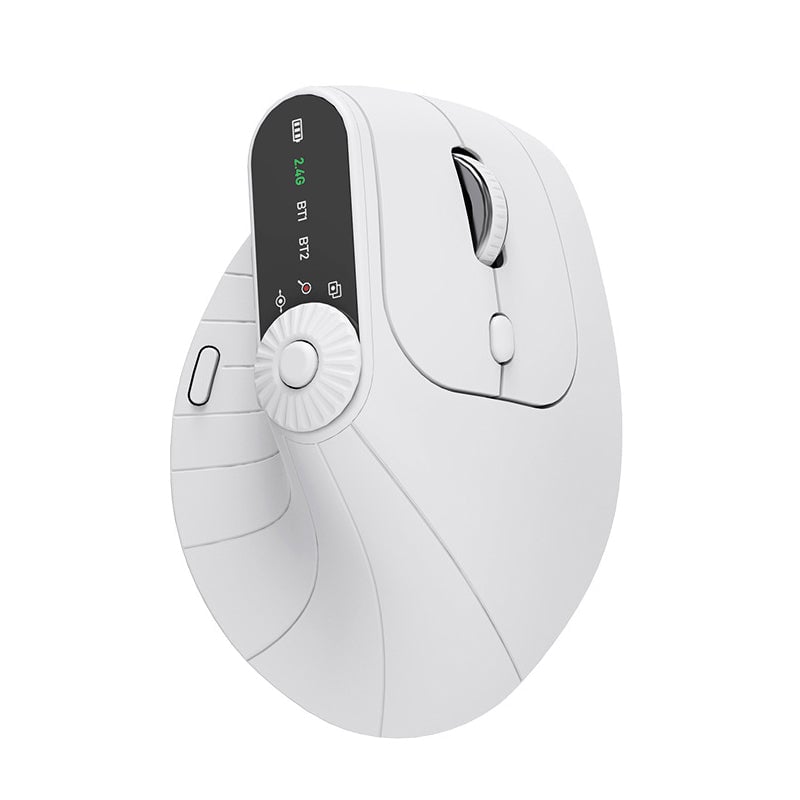
White
Clean and minimal
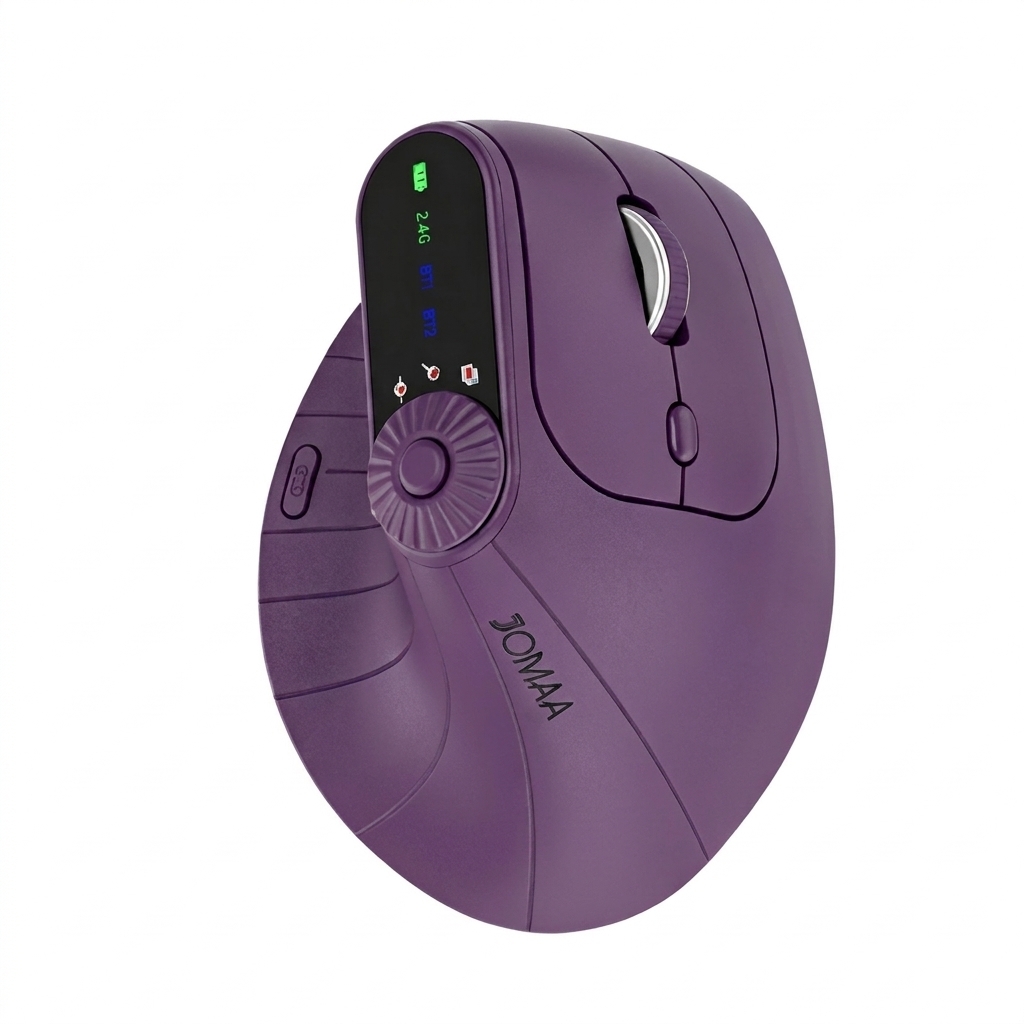
Purple
A distinctive accent
Specifications at a Glance
Review the key dimensions and technical details before choosing your preferred color and connection setup.
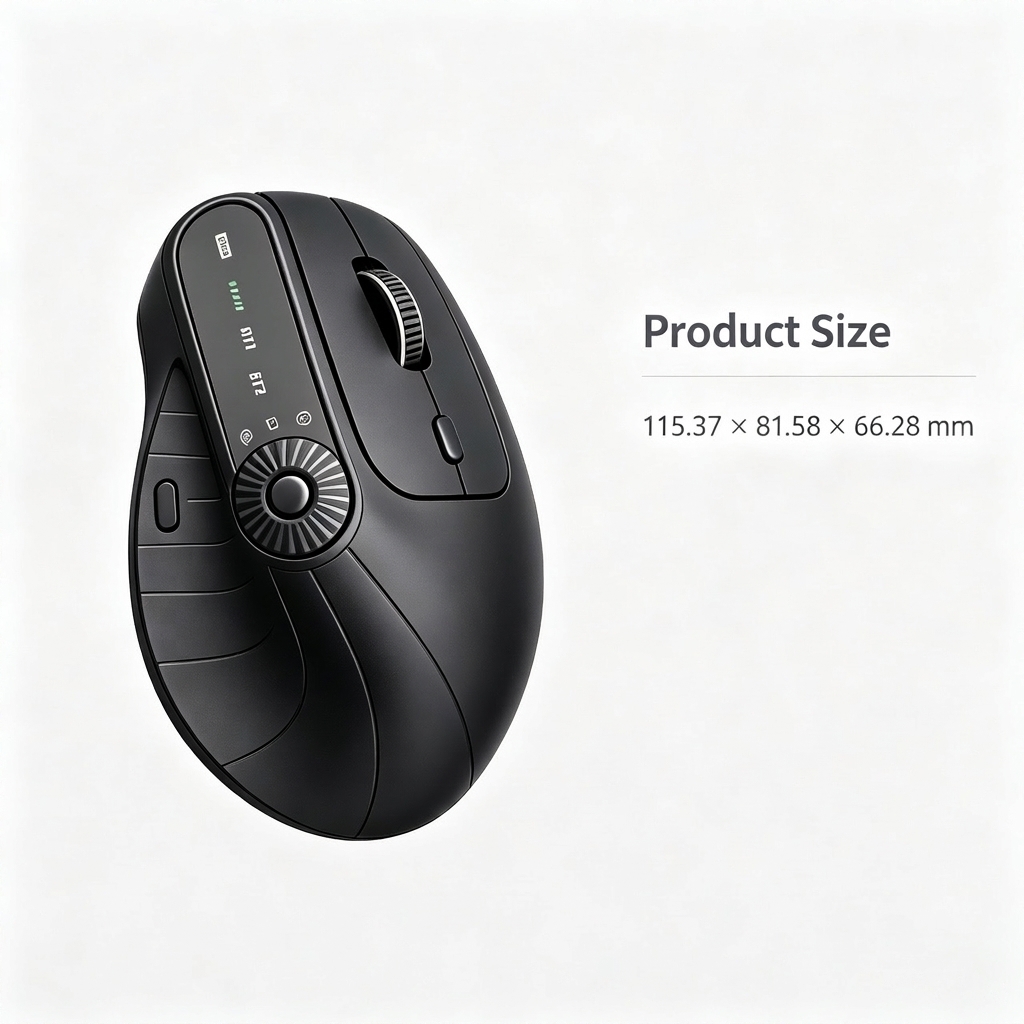
Frequently Asked Questions
1. What makes a vertical mouse different?
A vertical mouse has an angled body that encourages a handshake-style grip instead of the flatter hand position used with many conventional mice. The feel is different, so some users may need a short adjustment period.
2. Can I connect it to three devices?
The mouse provides three connection channels: one 2.4G wireless channel and two Bluetooth channels. The connected devices must support the selected connection method.
3. How do I switch between connection modes?
Use the mouse's mode control to select the desired connection channel. Follow the included instructions for pairing and switching between devices.
4. What do the four DPI settings mean?
DPI controls cursor sensitivity. The four available settings are 800, 1200, 1600 and 2400. Lower settings produce slower cursor movement, while higher settings move the cursor farther with the same hand movement.
5. Does it need disposable batteries?
No disposable battery replacement is required during normal use. The mouse has a built-in rechargeable 500mAh battery and a USB-C charging port.
6. Will it work with a Mac or Windows computer?
The product is listed as compatible with Windows and Mac systems. Connection availability depends on the computer's Bluetooth support or available USB port for the 2.4G receiver.
7. Why does the mouse stop responding after inactivity?
The mouse enters a power-saving mode after approximately 30 minutes without activity. Press a button to wake it before continuing.
8. Is a vertical mouse suitable for everyone?
Hand size, grip preference and working habits vary. A vertical mouse is an alternative shape, not a guaranteed solution for discomfort. Choose the grip that feels suitable for your own needs.
More Flexible Connections. A Different Kind of Control.
Bring together a vertical grip, adjustable tracking and three wireless connection channels in one versatile desktop accessory. A practical choice for a workspace that moves between devices and daily tasks.
↑ BACK TO TOP