











Inkless Portable Bluetooth Thermal Printer for Travel
-
Free Shipping Over $60
-
Free returns
-
Carbon neutral
-
Secure payments
Print What Matters.
Wherever Life Takes You.
Keep important documents, study materials and everyday printouts within reach. This compact thermal printer brings convenient, ink-free printing to your desk, home and travel bag — without the usual ink cartridges or toner supplies.
EXPLORE THE FEATURES
Less Printer Clutter. More Everyday Convenience.
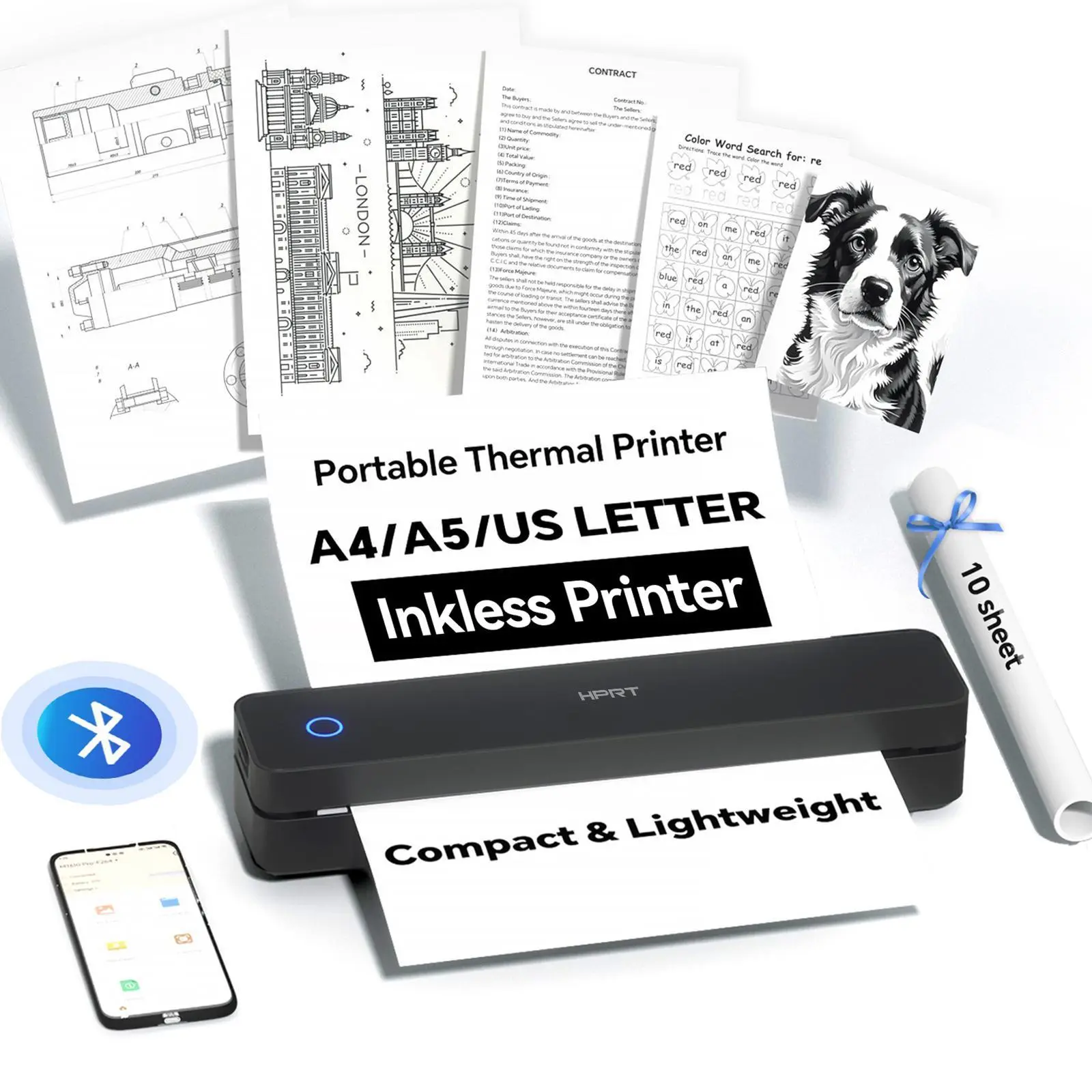
Traditional printing often means keeping track of ink levels, replacement cartridges and extra supplies. Thermal printing takes a simpler approach: it uses specially coated thermal paper to create monochrome prints without conventional ink or toner.
From a last-minute itinerary to a school worksheet or an office document, this portable format makes it easier to print the things you need without setting up a bulky desktop printer.
Its slim, elongated design also makes storage straightforward — a practical choice for smaller workspaces, shared desks and people who prefer to travel light.

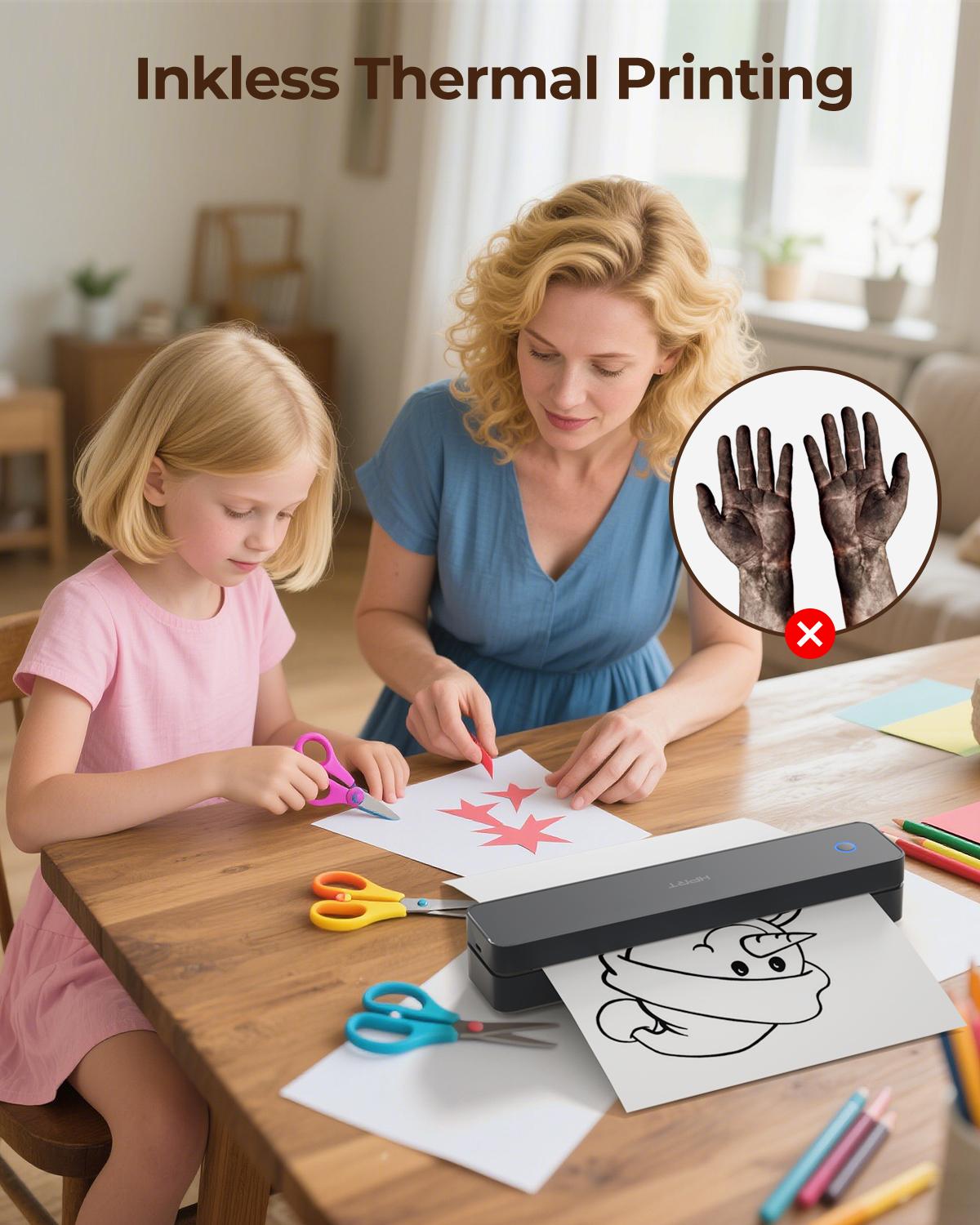
Forget the Ink. Keep the Printing Simple.
Thermal printing works with specially coated paper that reacts to heat. That means no conventional ink cartridges, toner replacements or liquid ink spills to manage.
- No conventional ink or toner cartridges required
- Less mess when changing everyday printing supplies
- Monochrome output for text and simple graphics
- Suitable for notes, worksheets, lists and documents
Two Resolution Options.
One Convenient Printing Companion.
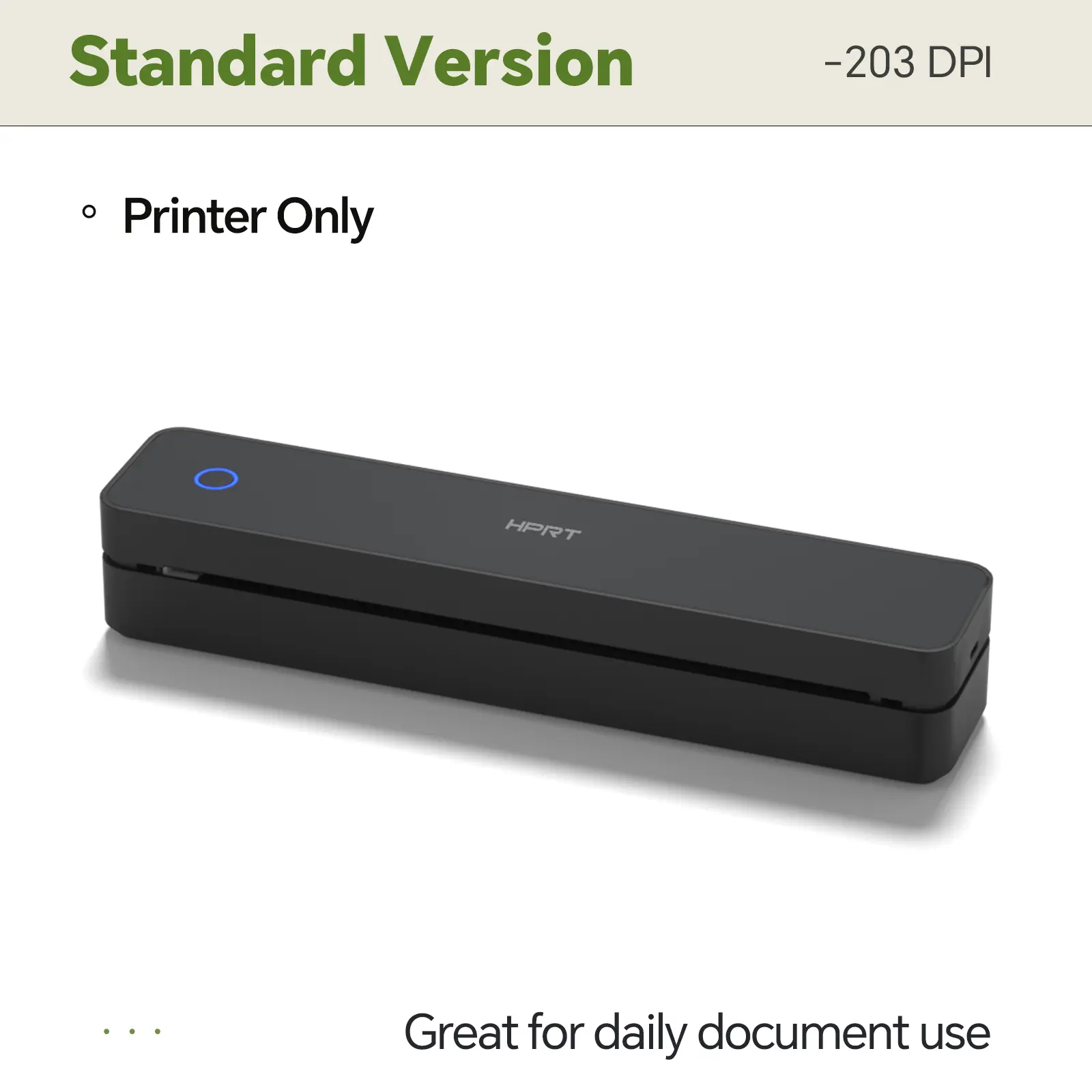
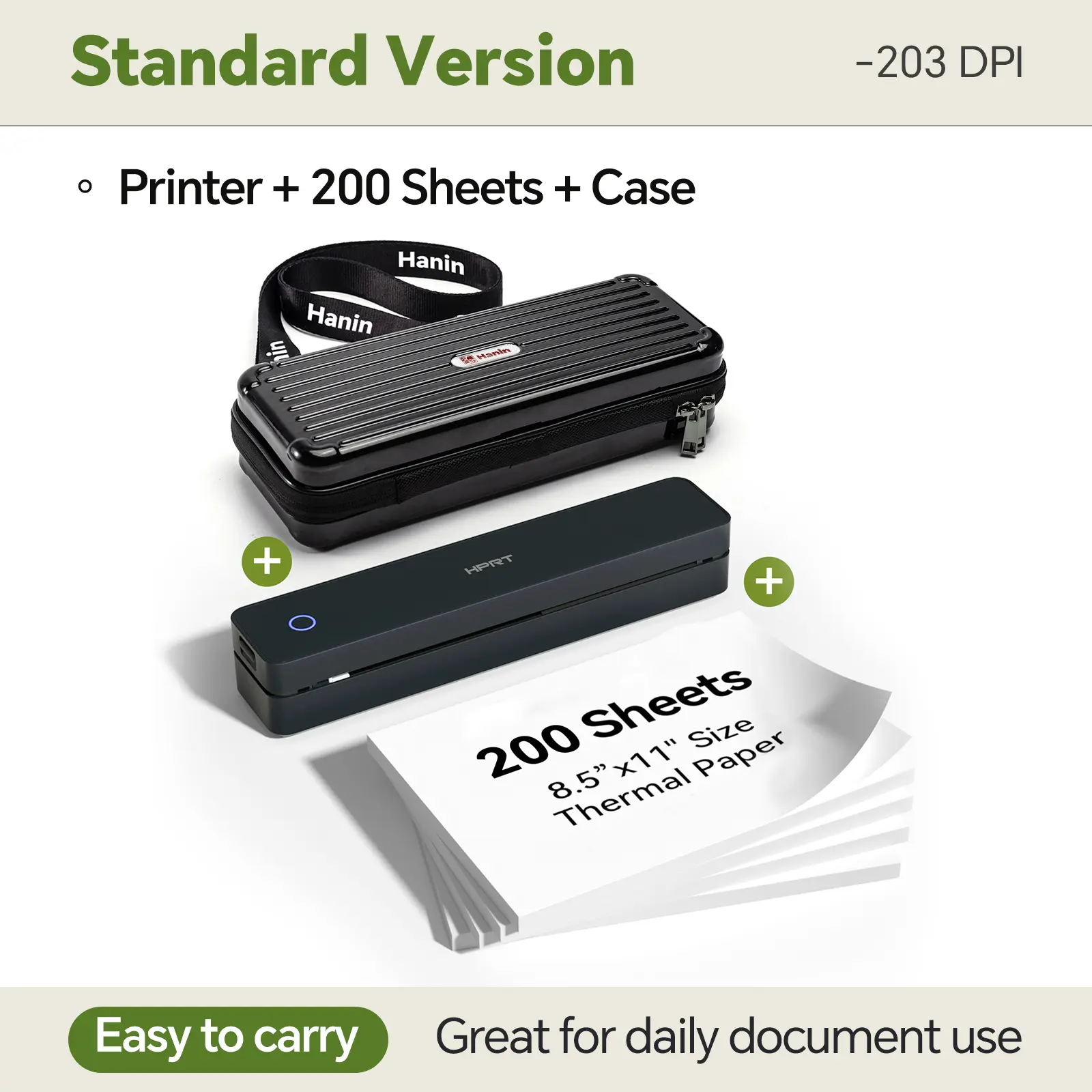
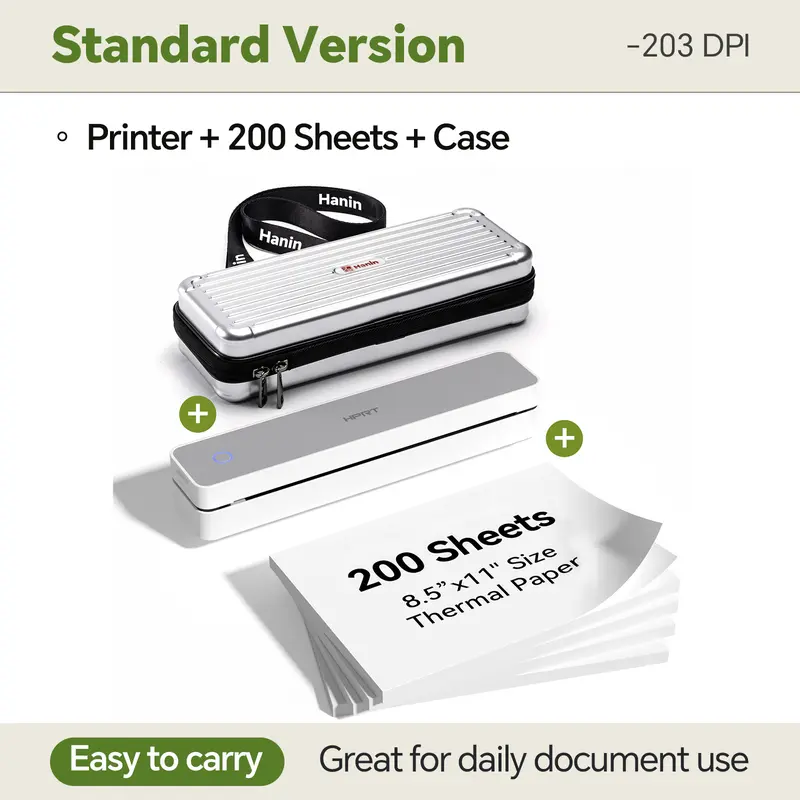
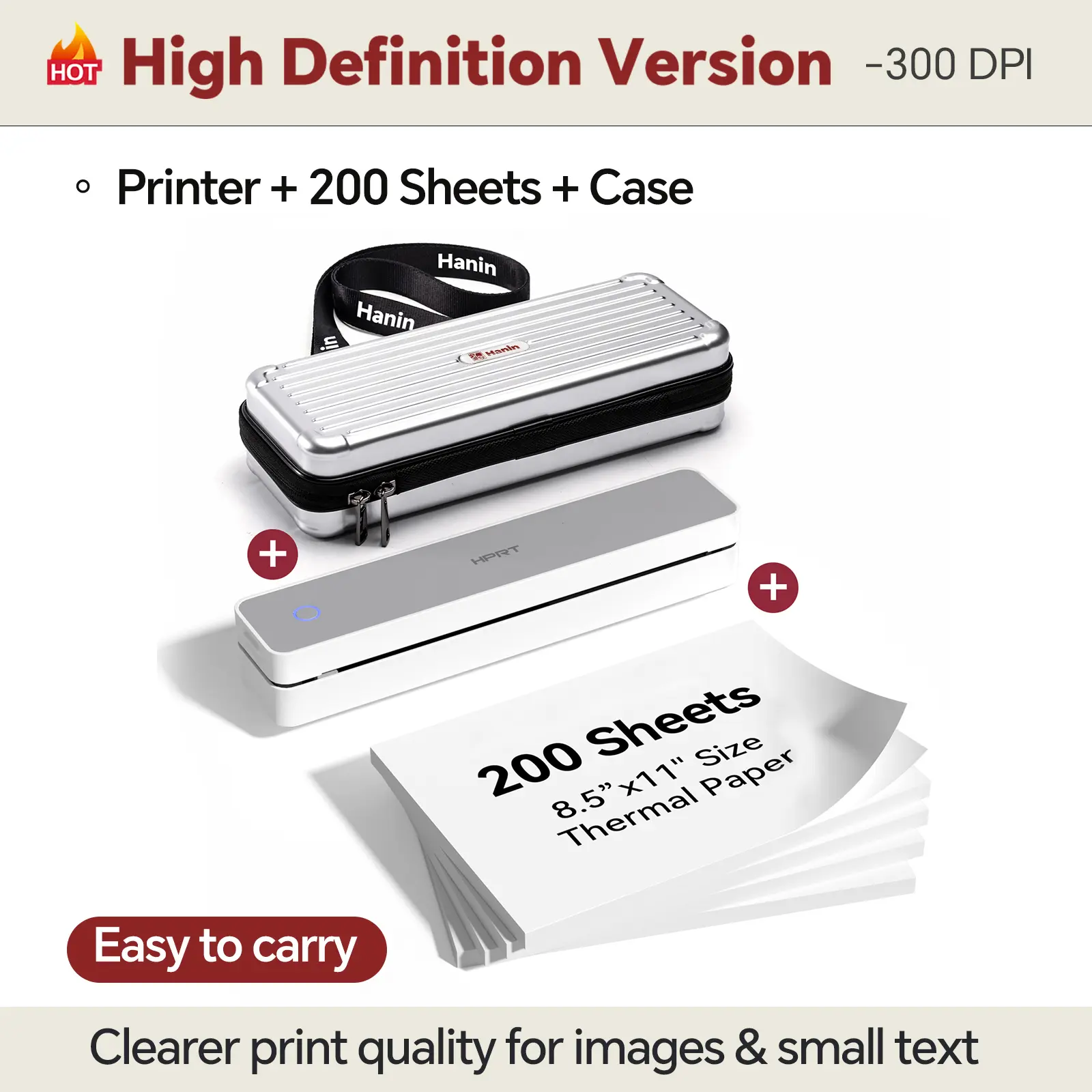
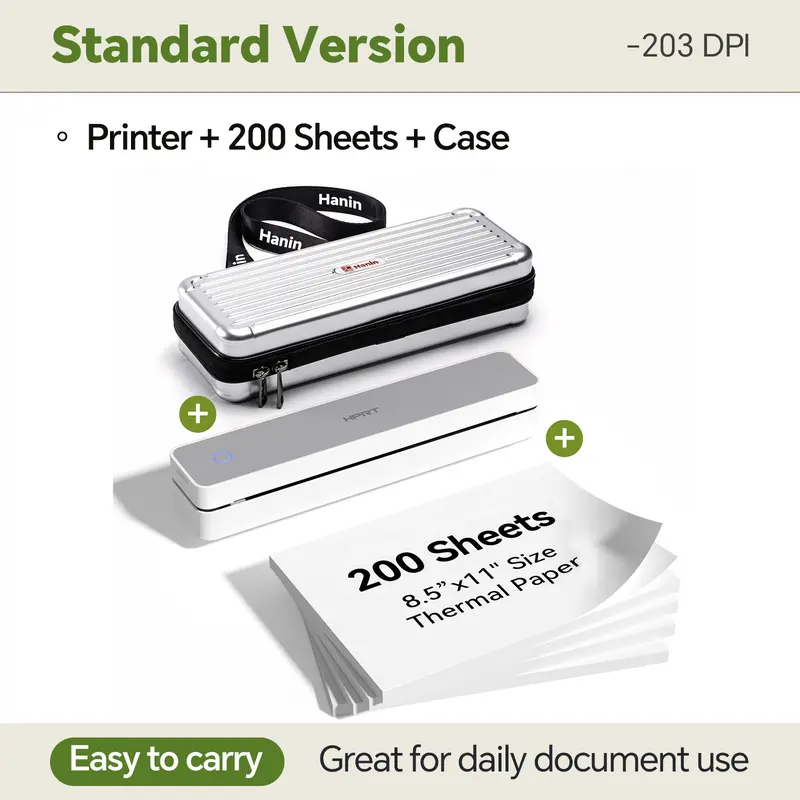
Select the resolution that best matches your everyday printing needs. The available configurations include a standard 203DPI option and a higher-definition 300DPI option.
 203 DPI A practical option for everyday text, lists, basic documents and routine printing tasks.
 300 DPI A higher-resolution choice for finer details, smaller text and simple image printing.
Please select the desired DPI configuration from the product options. Print appearance also depends on the source file, thermal paper and printing settings.
Your Phone or Computer. Your Printing Workflow.
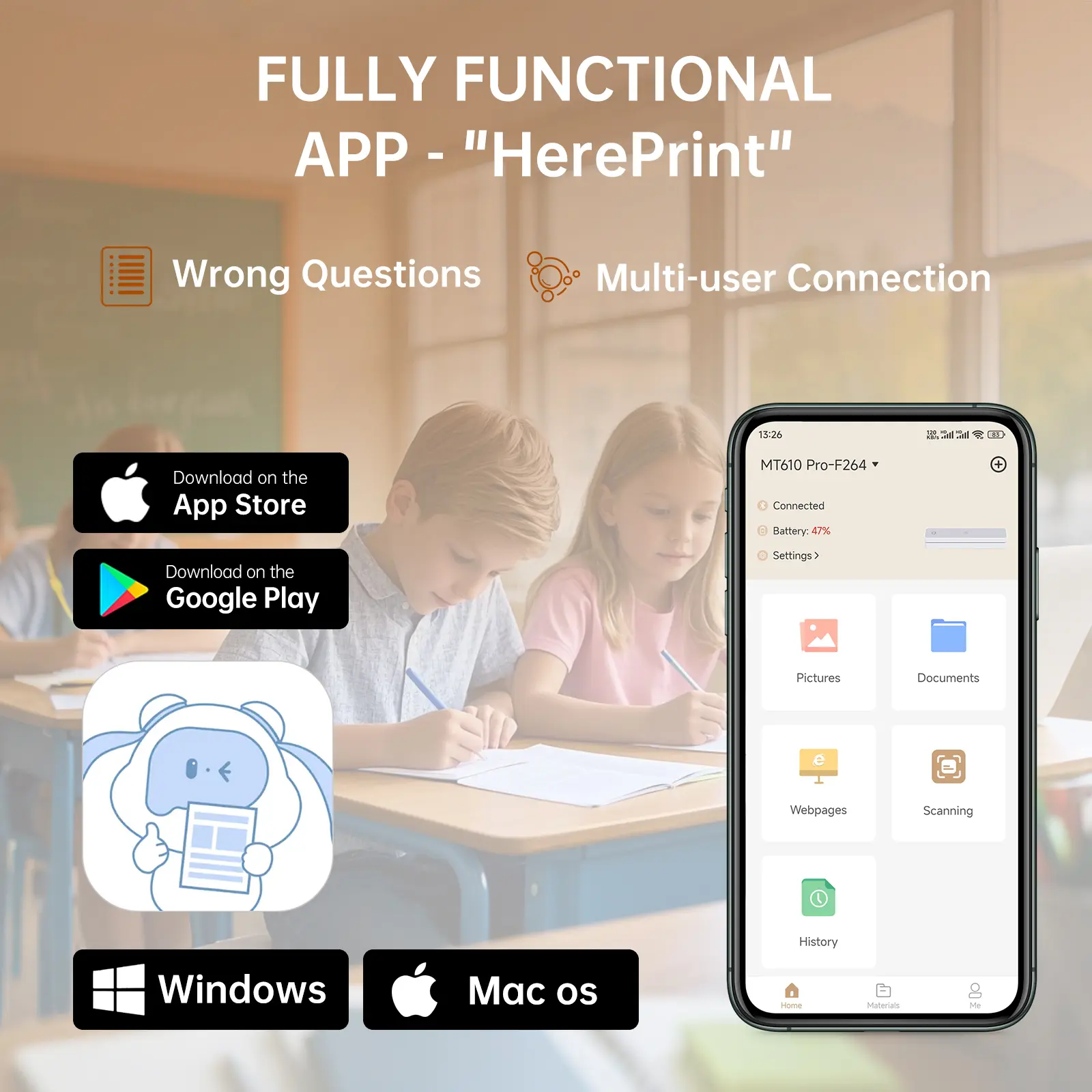
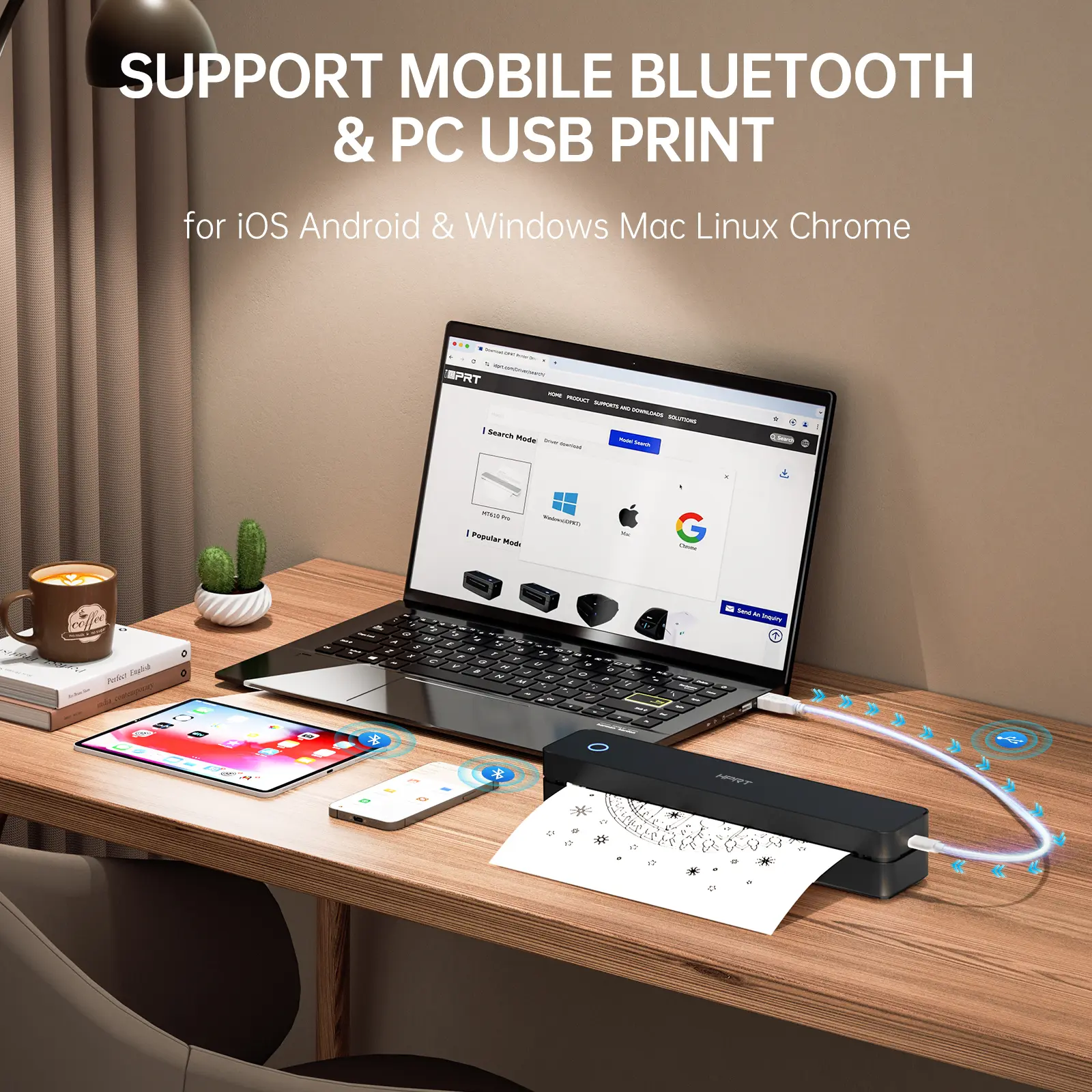
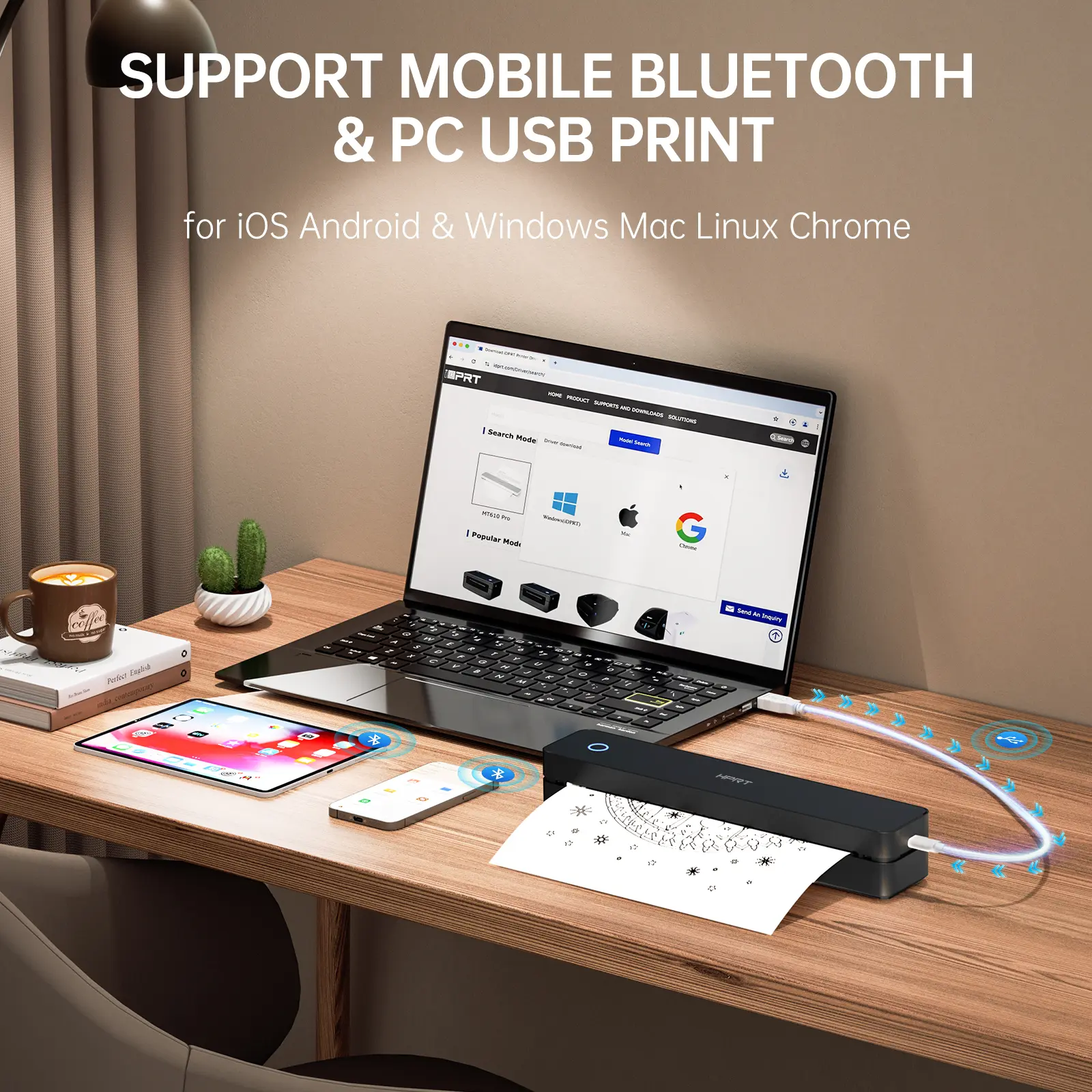
For mobile printing, use the compatible HerePrint app to connect with the printer through Bluetooth. The app provides access to supported files and printing functions from your phone.
For computer use, the product listing also describes USB connectivity. Connection methods and driver requirements may vary by operating system and device.

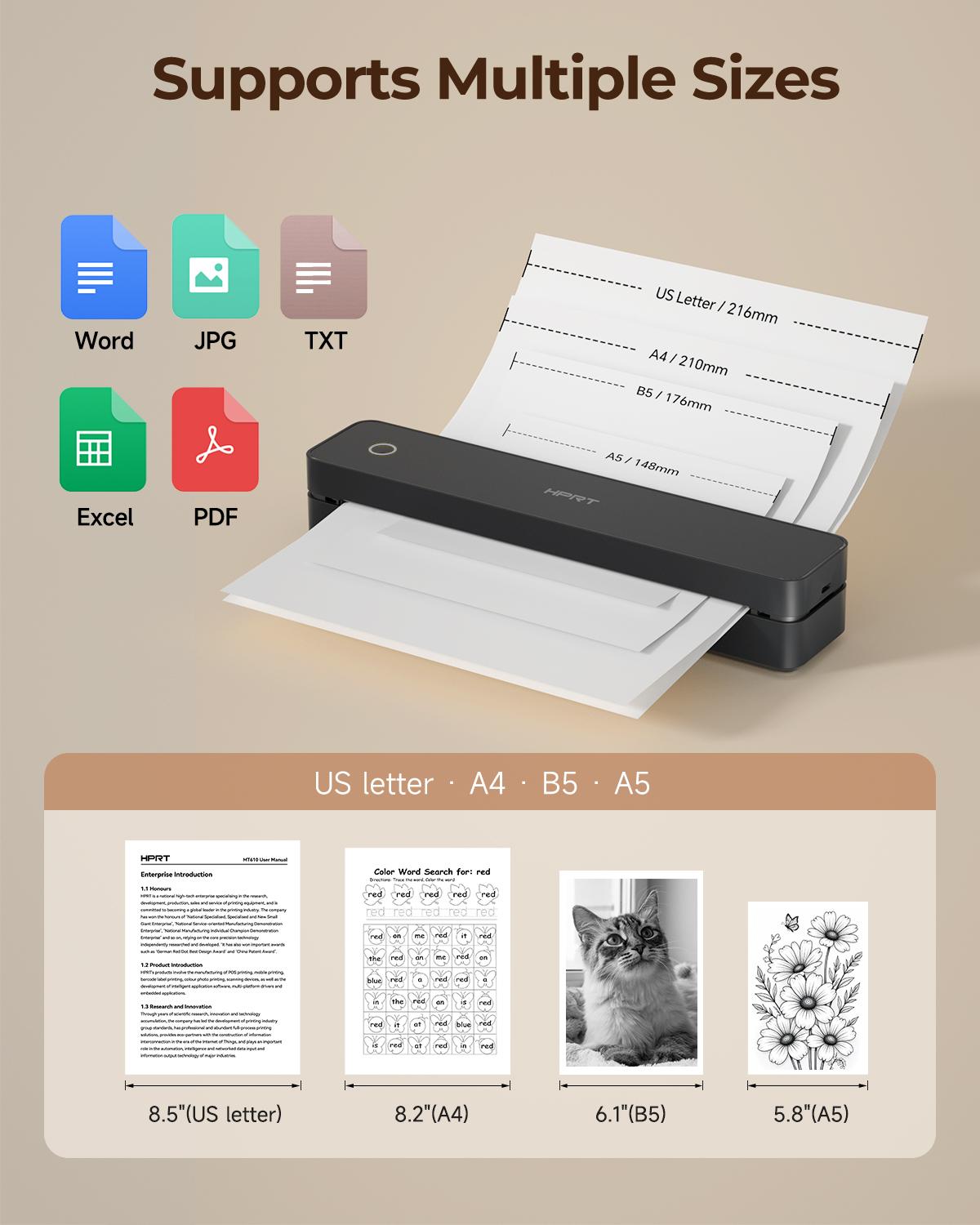
One Compact Printer for Different Paper Sizes.
The product listing specifies support for several commonly used paper formats, giving you flexibility for different document types and everyday projects.
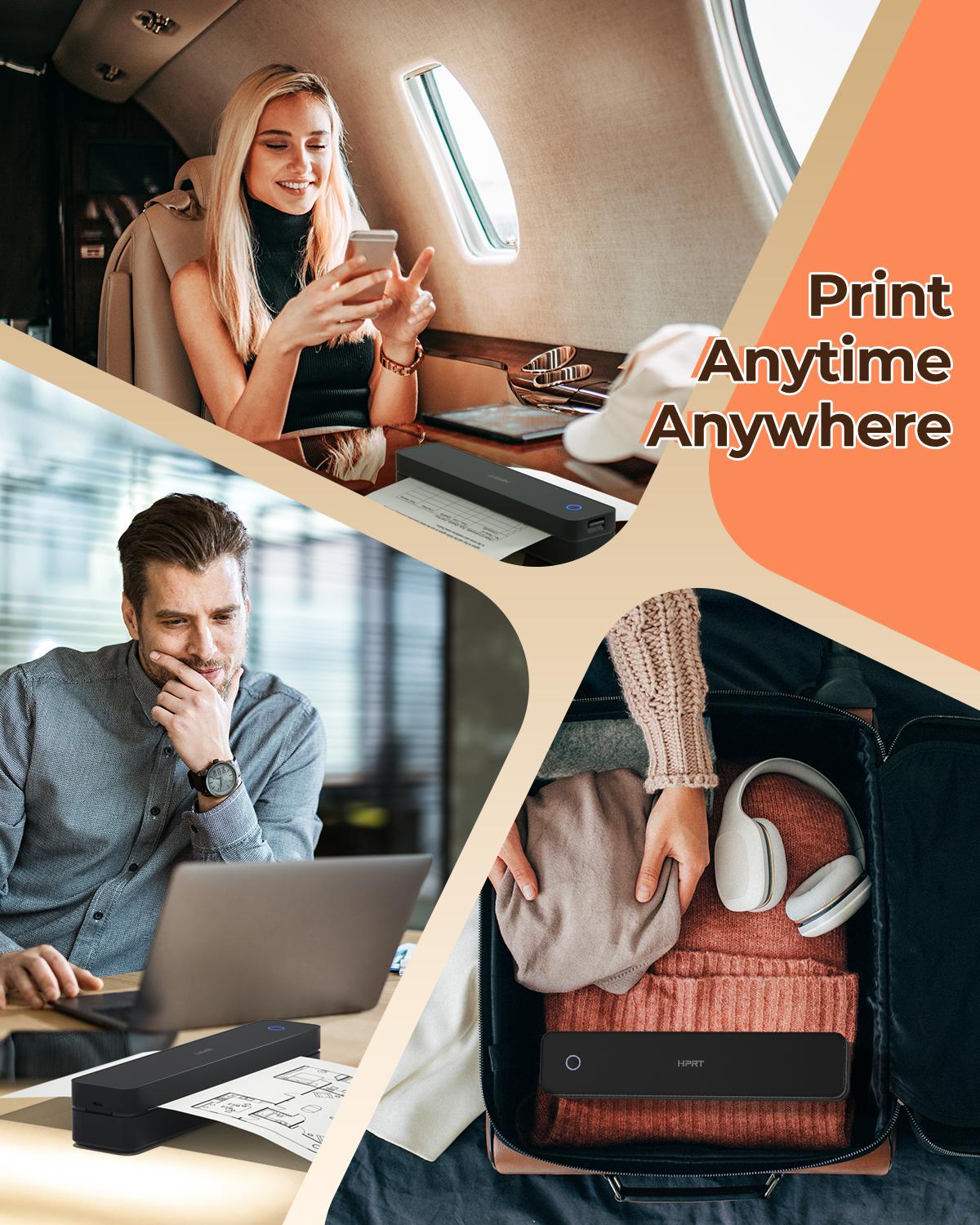
From Your Desk to Your Next Destination.
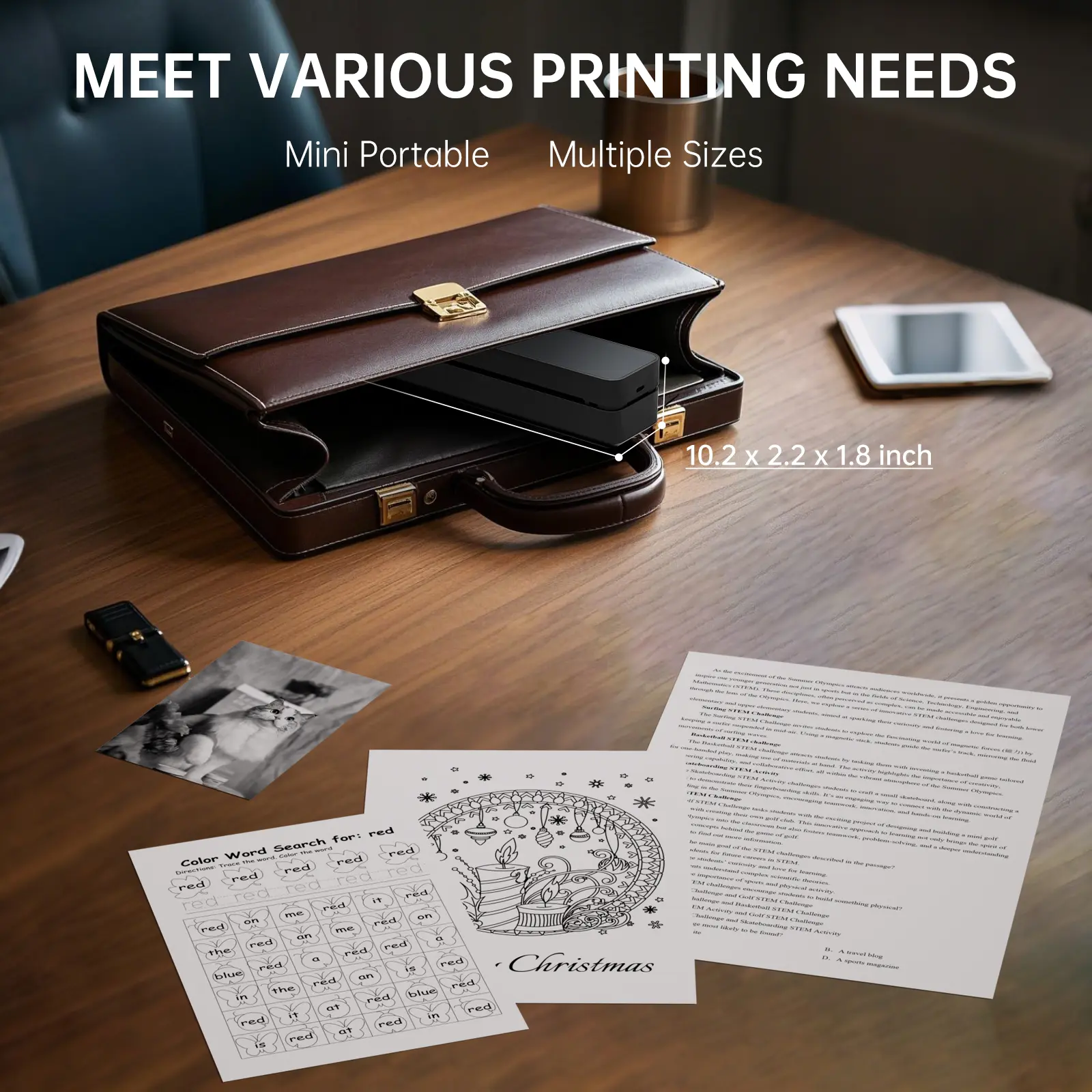
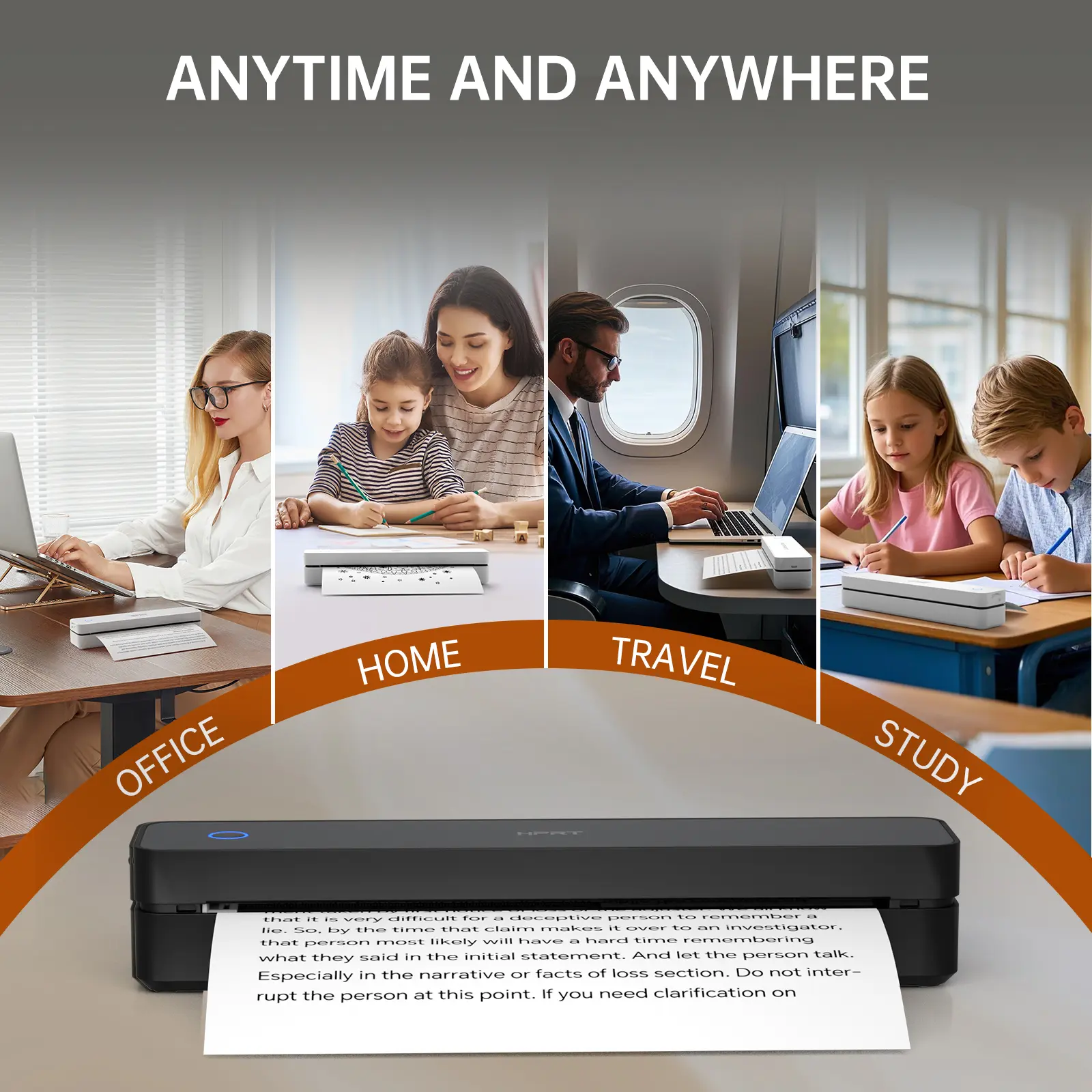
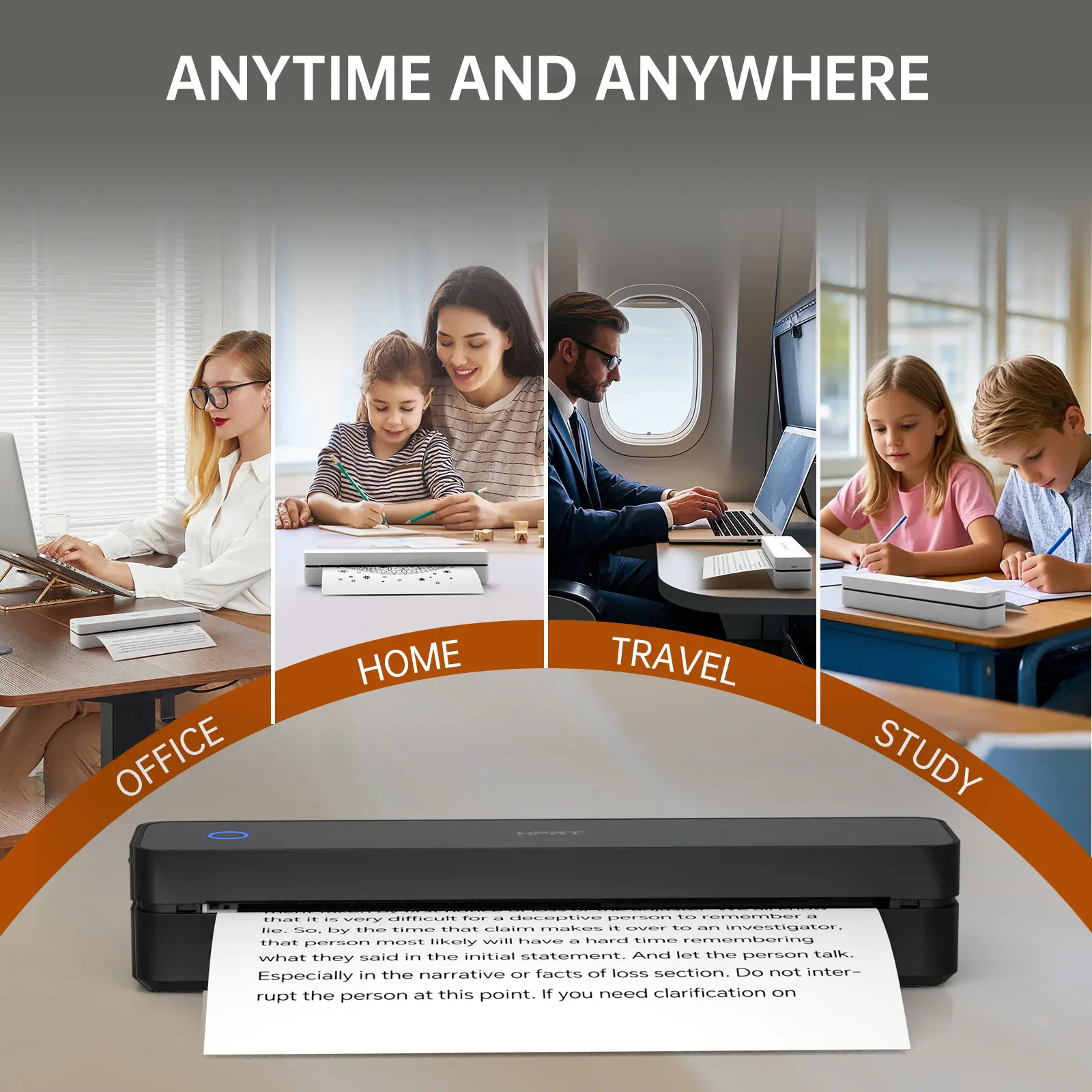
A slim profile makes it easier to keep a printer close when you move between home, the office, a study space or a business trip. Print a checklist before leaving, prepare a document at your desk or keep study materials organized — without carrying a traditional full-size printer.
A Practical Tool for Work, Study and Home.
Small printing tasks come up throughout the day. Keep useful information on paper when a screen is not the most convenient option.
Print routine documents, notes, invoices and work references.
Prepare worksheets, revision notes, reading materials and checklists.
Keep lists, reminders, simple labels and family schedules handy.
Print itineraries, booking details and useful travel documents.
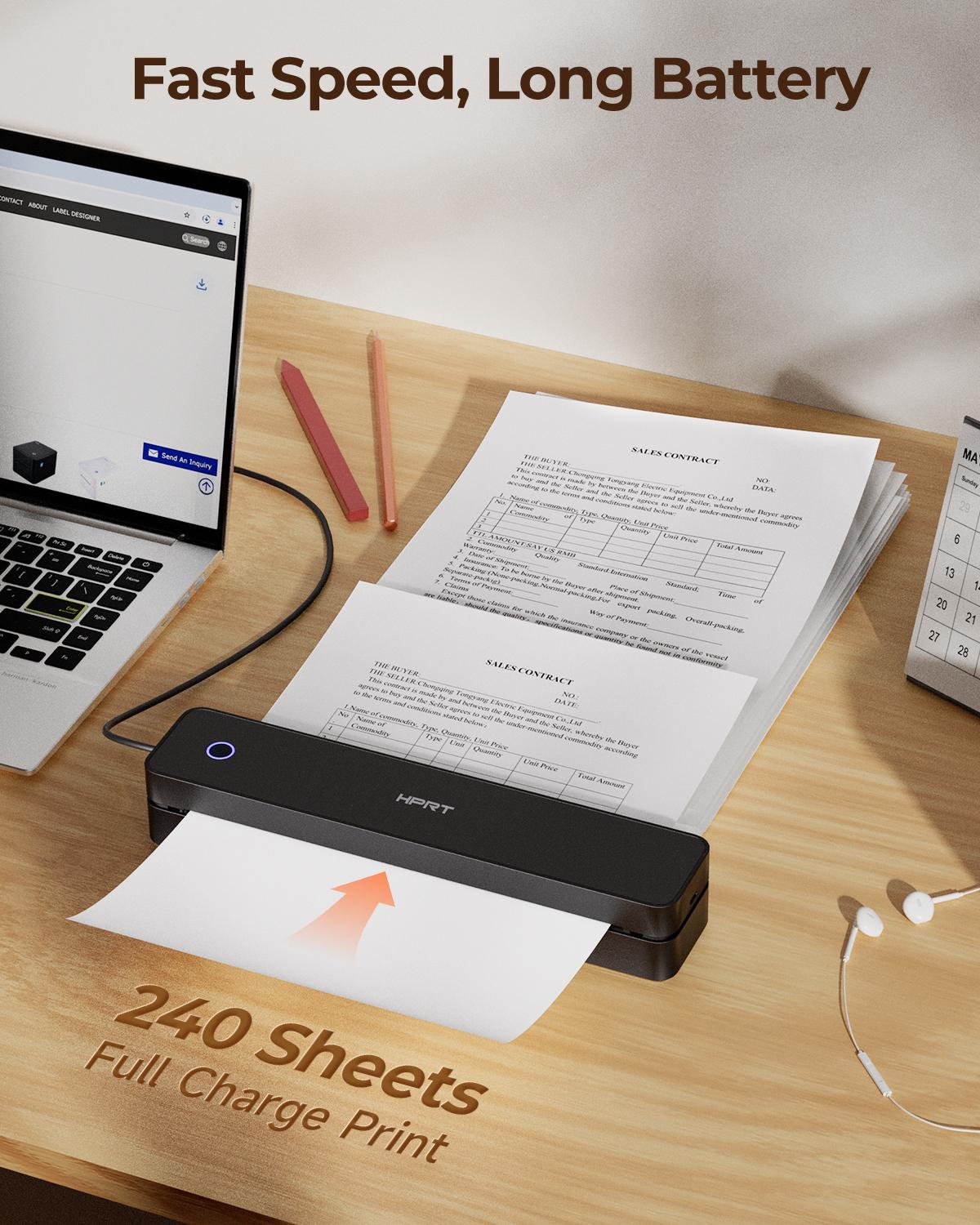
Keep Your Printing Setup Flexible.
With a built-in rechargeable battery, the printer is designed for use beyond a permanently connected desktop setup. Recharge it when needed and keep your printing essentials together for workdays, study sessions or trips.
The product listing states that a full charge can print up to approximately 240 sheets. Actual results may vary with print content, settings, paper and operating conditions.
*Manufacturer-stated maximum; actual output varies by use.
A Space-Saving Shape That Travels Easily.
Measuring approximately 10.4 × 2.2 × 1.8 inches and weighing around 530g according to the product description, the elongated design is easy to place on a desk or pack with your everyday essentials.
It is a useful alternative when you want occasional document printing without dedicating space to a larger printer.
Frequently Asked Questions
A few helpful details to make your printing experience smoother.
1. Does this printer need ink or toner?
No. It uses direct thermal printing technology and compatible thermal paper, so conventional ink cartridges and toner are not required.
2. Can I print from my iPhone or Android phone?
The product listing specifies mobile printing through Bluetooth with the HerePrint app on compatible iOS and Android devices. Please check app and device compatibility before use.
3. Can I connect it to a computer?
The listing describes USB computer connectivity. Supported operating systems, drivers and setup steps may vary, so check the applicable instructions for your computer.
4. What type of paper should I use?
Use compatible thermal paper only. Ordinary office paper is not suitable for direct thermal printing. Make sure the paper format and loading direction match the printer instructions.
5. Does it print in color?
No. This is a monochrome thermal printer designed for black-and-white text and simple images.
6. What is the difference between 203DPI and 300DPI?
203DPI is suitable for routine text and everyday documents. 300DPI offers finer detail and can be a better choice for smaller text or simple images. Select the version that matches your printing needs.
7. How many pages can it print on one charge?
The product listing states up to approximately 240 sheets per full charge. This is a manufacturer-stated maximum; actual results depend on print content, settings and usage conditions.
Make Room for Printing That Moves With You.
From quick work documents to study sheets and travel essentials, enjoy a compact printing companion designed to make everyday paper tasks feel a little simpler.