


Second Item 10% OFF | Storewide

zenthorgoods

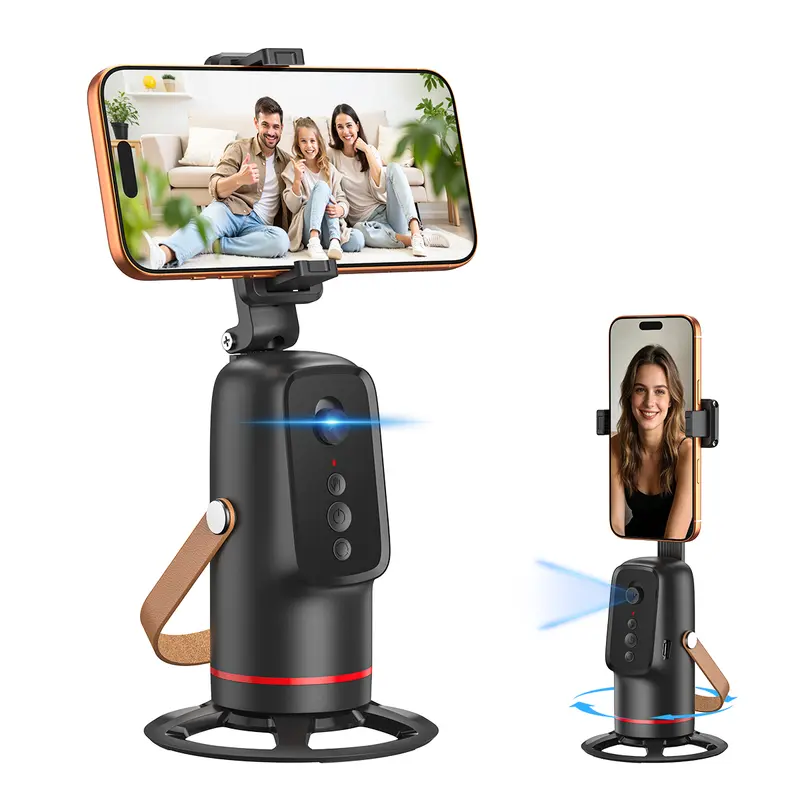
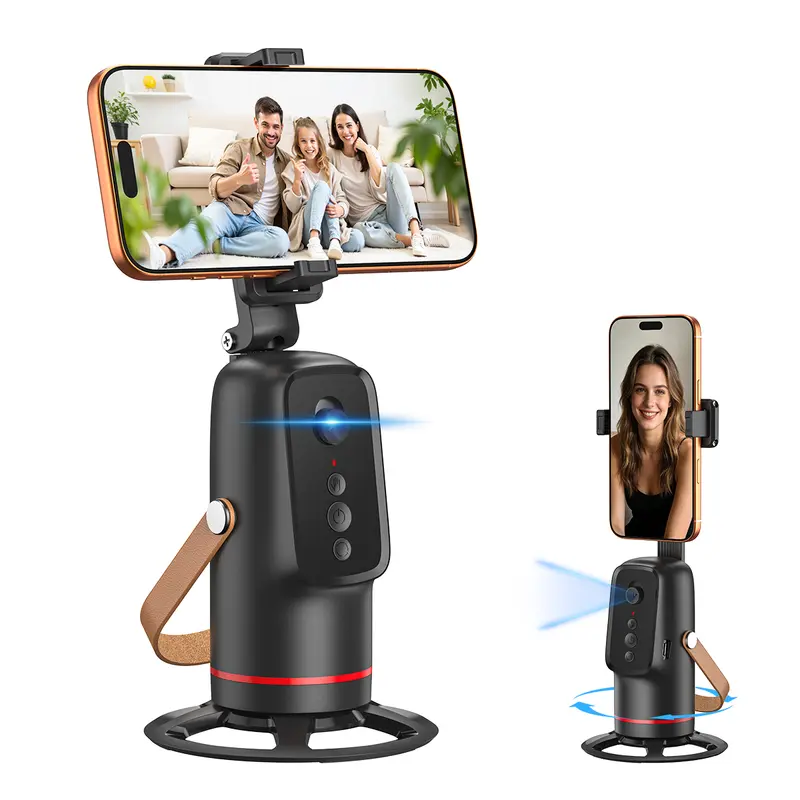
Auto Face Tracking Tripod with Gesture Control

$39.99 USD
$79.99 USD
Specifications:
  • Free Shipping Over $60

  • Free returns

  • Carbon neutral

  • Secure payments

```html

SMARTER CONTENT CREATION

Stay in Frame.
Stay in Your Flow.

Create videos, record tutorials and capture everyday moments with an auto-tracking tripod designed to follow the action. Gesture control helps make hands-free filming feel more natural.

✦
Creator Gear Guide
Everyday filming & mobile setup
AUTO TRACKINGGESTURE CONTROLHANDS-FREE FILMING
EXPLORE THE TRIPOD ↓
INSERT MAIN PRODUCT IMAGE HERE
LESS ADJUSTING, MORE CREATING

Let the Camera Follow Your Moment.

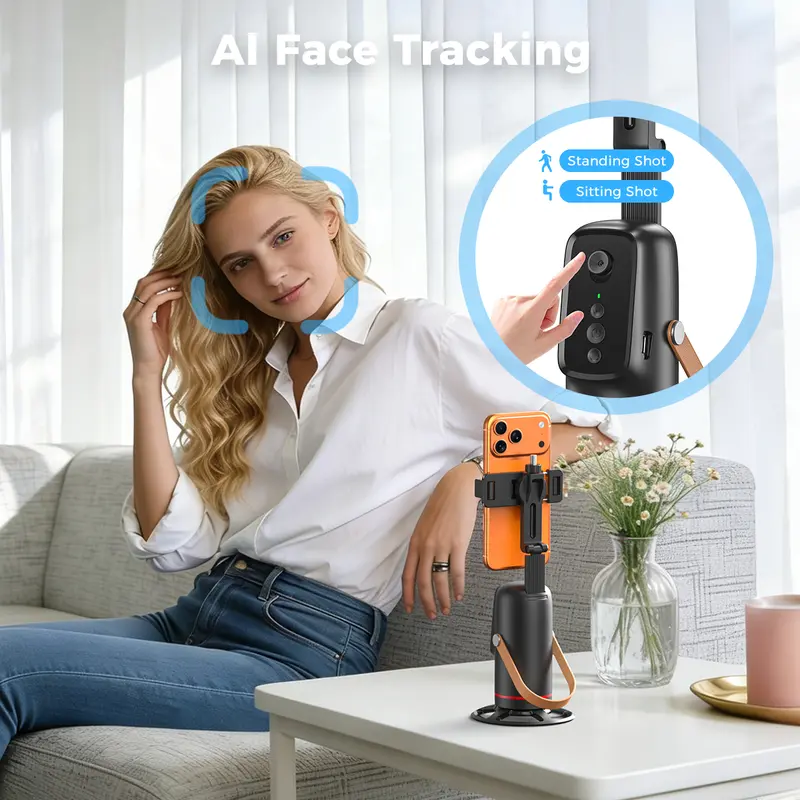
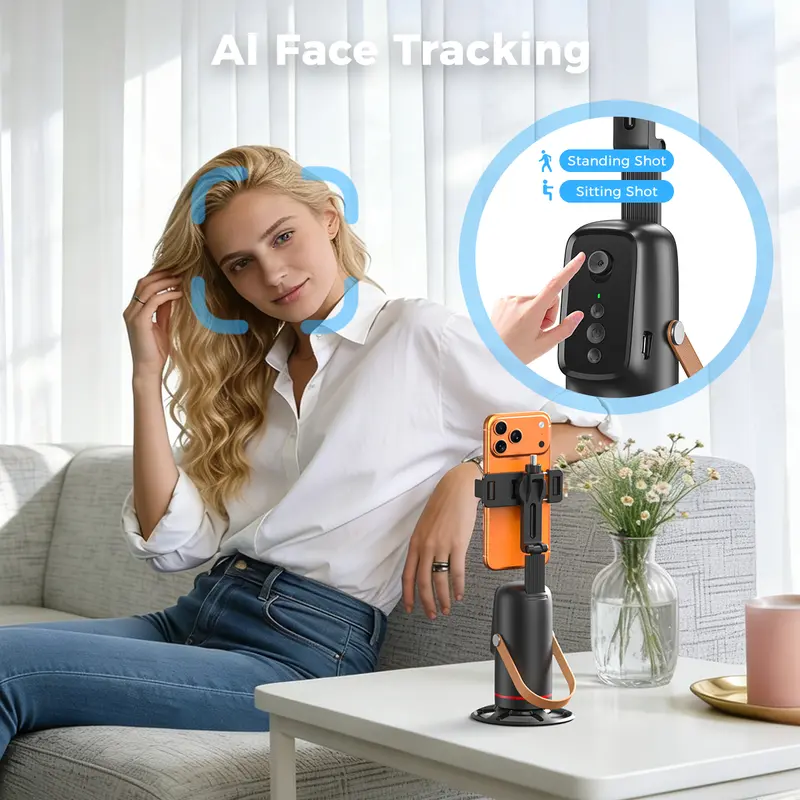
Moving around while filming can mean repeatedly stepping away to reposition your phone. An auto face-tracking tripod helps keep you in view, so you can focus on what you are saying, demonstrating or creating.

From solo videos and workout demonstrations to video calls and family recordings, it brings a more flexible approach to everyday phone filming.

INSERT IMAGE 01 — AUTO FACE TRACKING IN USE
01 / SMART TRACKING

Move Naturally. Keep the Camera With You.

The tracking function is designed to follow the subject as you move within its recognition range, helping you stay in view during solo recording.

  • Useful for talking-head videos and tutorials
  • Follow movement without constant manual adjustment
  • Keep your hands available for the activity you are filming
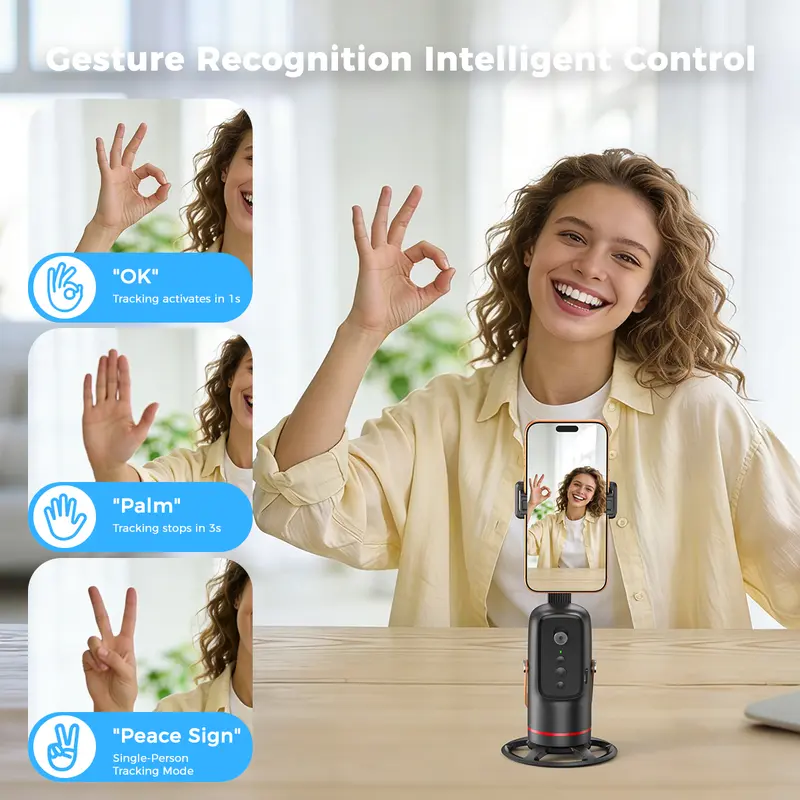
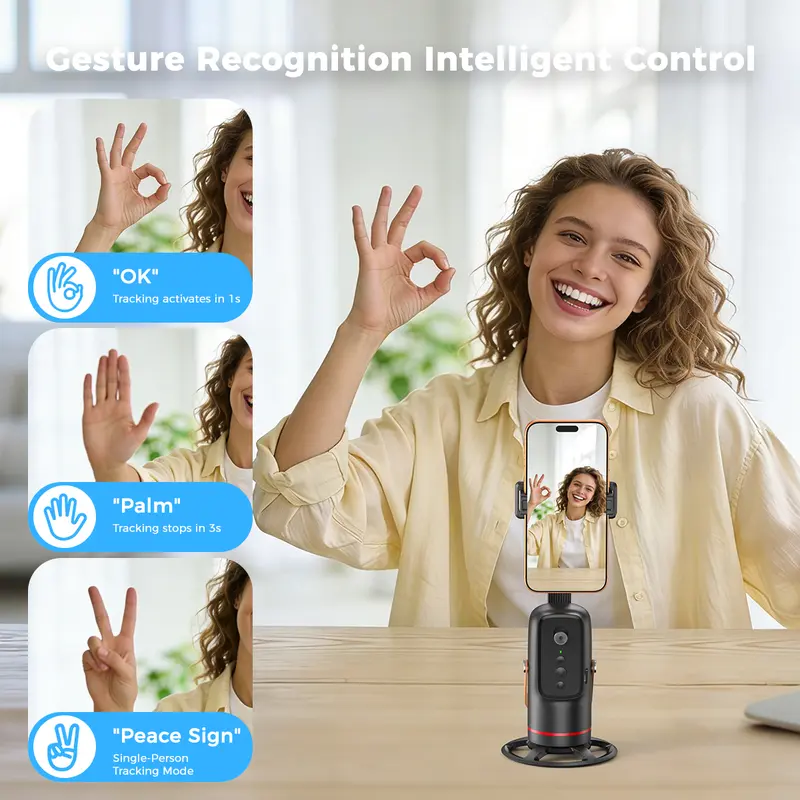
INSERT IMAGE 02 — GESTURE CONTROL DEMONSTRATION
02 / SIMPLE GESTURES

Control the Shot Without Reaching for Your Phone.

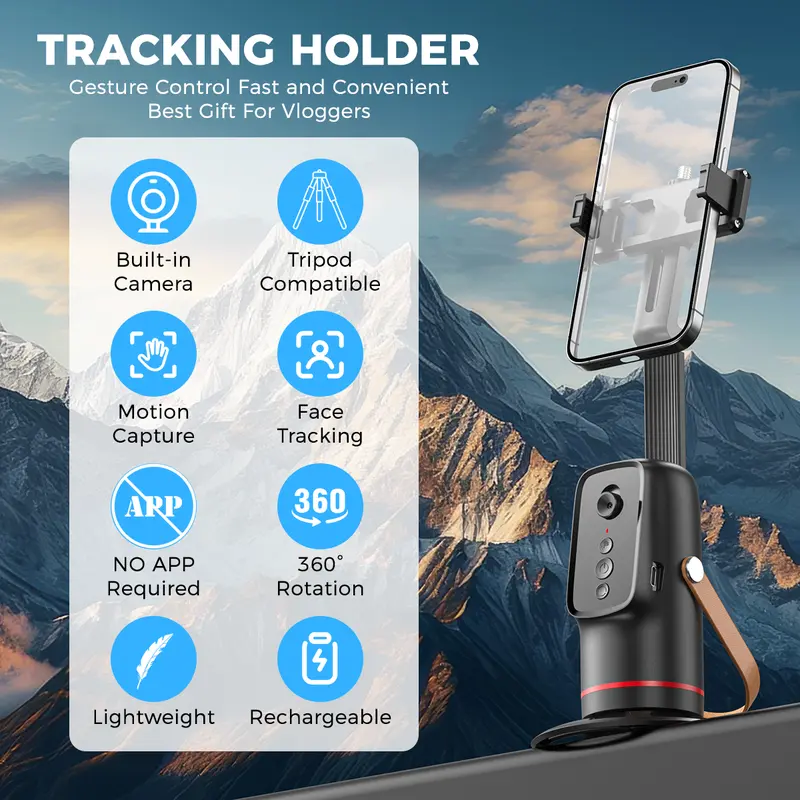
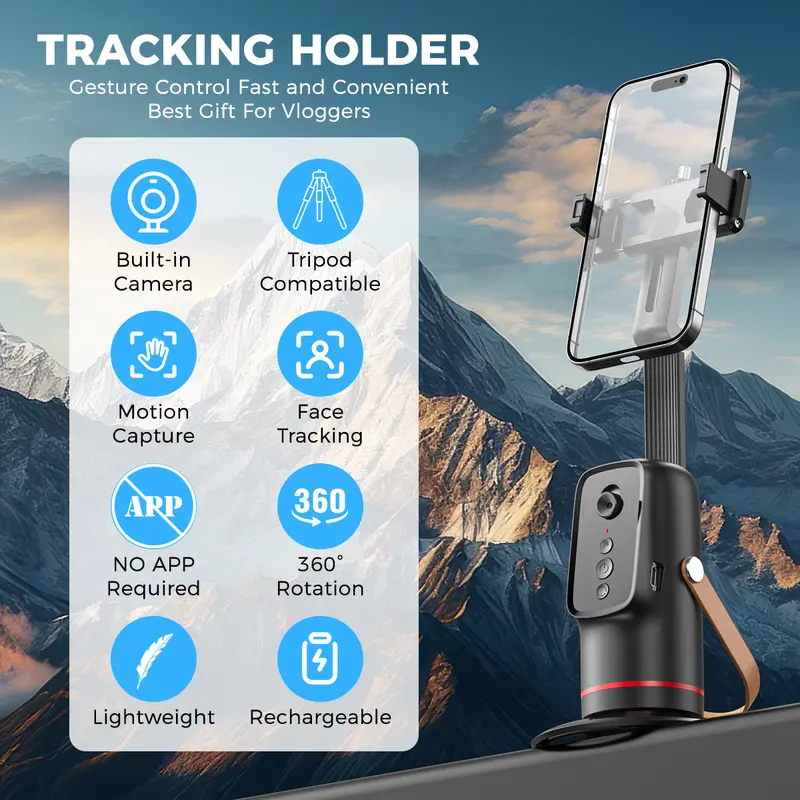
Gesture-based operation can make starting or pausing tracking more convenient when the device supports the corresponding hand signals.

  • Keep your recording setup within view
  • Reduce interruptions between takes
  • Check the included instructions for supported gestures
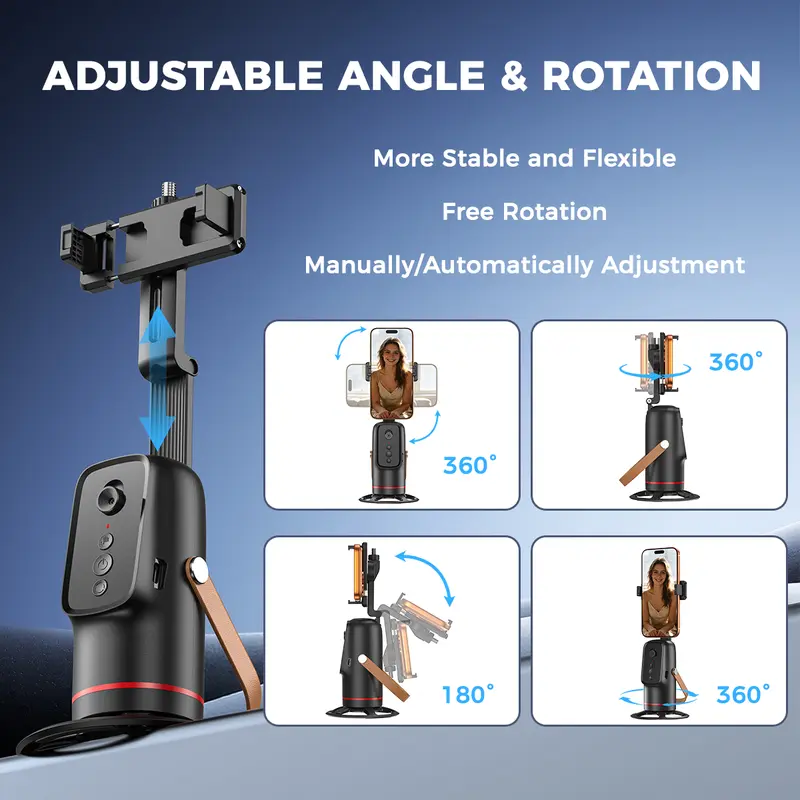
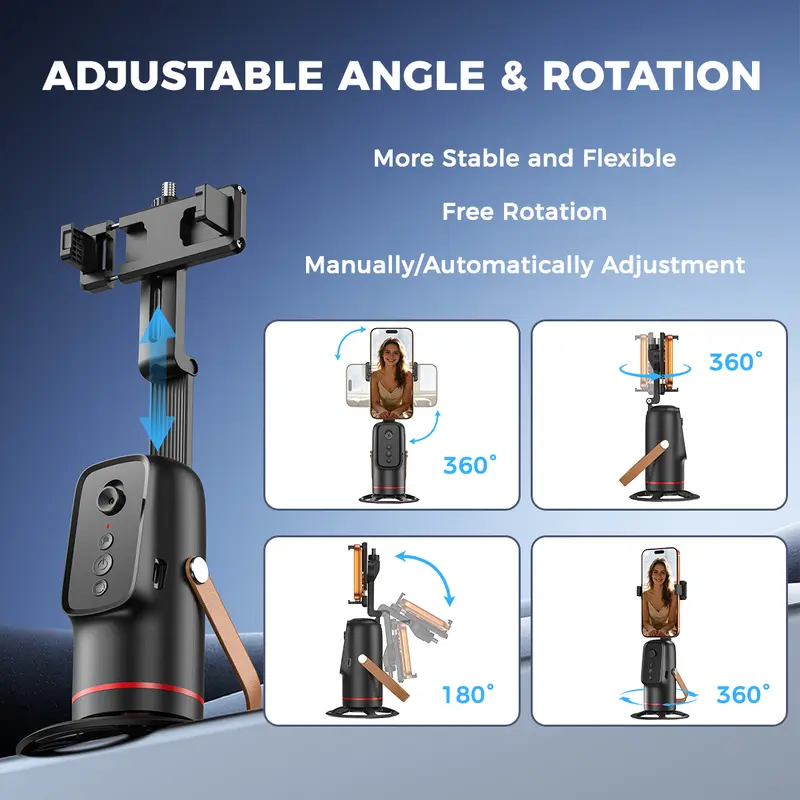
INSERT IMAGE 03 — ROTATION AND SHOOTING ANGLES
03 / FLEXIBLE VIEW

Find a Better Angle for Every Idea.

A rotating tracking head gives you more freedom to frame your videos for different activities and compositions. Set up your phone before recording and adjust the angle to suit the scene.

  • Solo creator videos
  • Demonstrations and presentations
  • Portrait-style social content
YOUR PERSONAL FILMING ASSISTANT

Set It Up. Step Into Frame. Start Creating.

Build a filming space that works around your routine. Whether you are explaining an idea, showing a process or capturing a movement, a hands-free setup can make recording feel more comfortable.

VIEW PRODUCT OPTIONS
INSERT IMAGE 04 — CREATOR USING THE TRIPOD
MADE FOR EVERYDAY CONTENT

One Setup. Different Ways to Create.

Build a simple recording setup for your hobbies, work and everyday moments.

INSERT IMAGE 05 — VLOGGING / TALKING TO CAMERA

Vlogging & Daily Videos

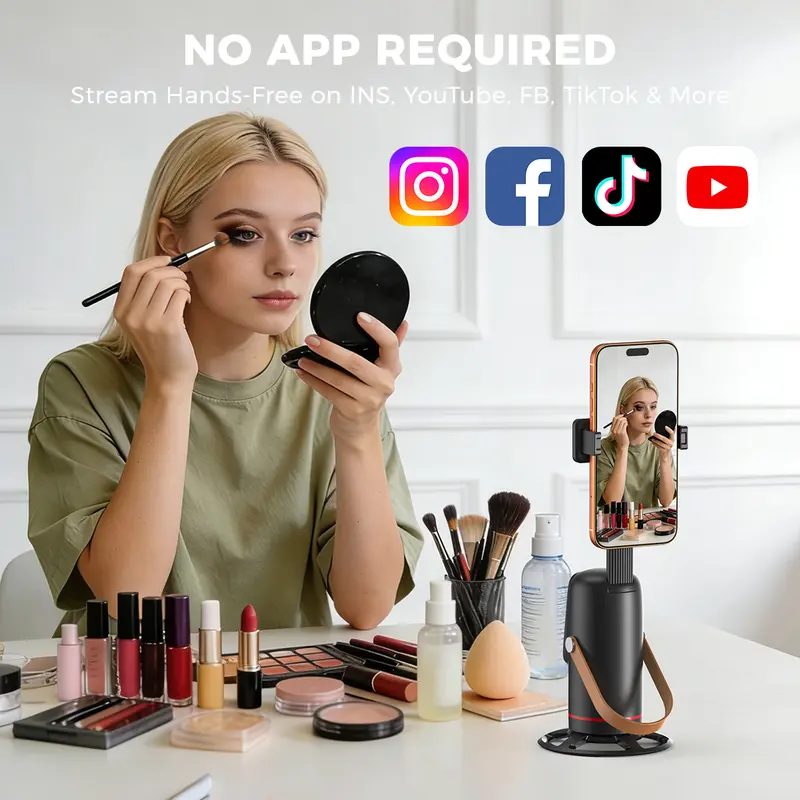
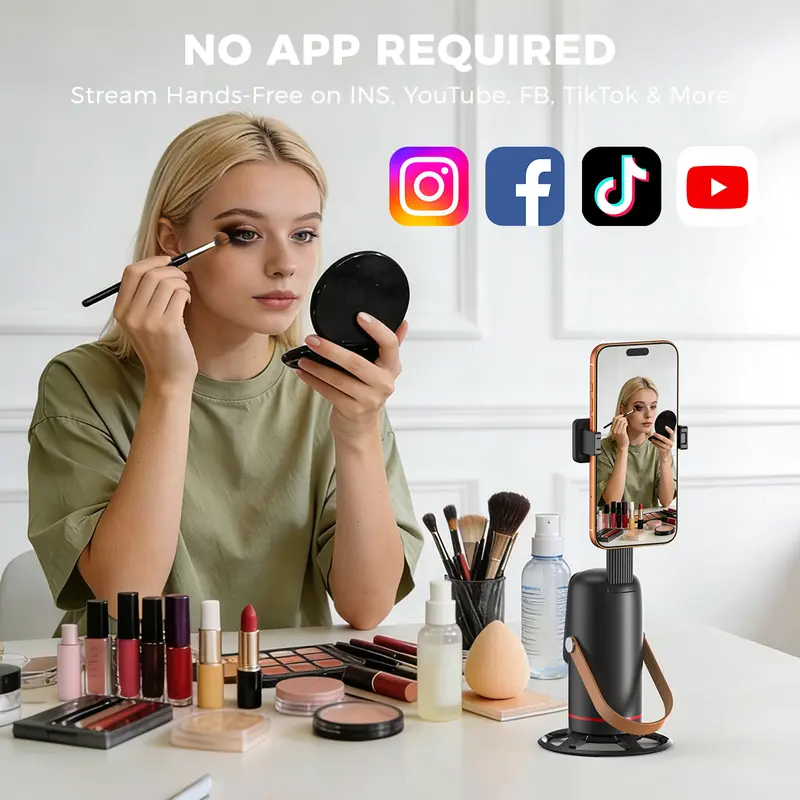
Record updates, personal stories and everyday moments while keeping your phone positioned for the shot.

INSERT IMAGE 06 — FITNESS / MOVEMENT

Fitness & Movement

Film exercise demonstrations, dance practice or movement routines without needing someone behind the camera.

INSERT IMAGE 07 — ONLINE TEACHING / TUTORIAL

Tutorials & Teaching

Keep your hands free to demonstrate steps, explain techniques or present a project to the camera.

INSERT IMAGE 08 — VIDEO CALL / GROUP RECORDING

Calls & Group Moments

Create a more flexible phone setup for conversations, shared recordings and casual group videos.

A SIMPLE FILMING ROUTINE

From Setup to Recording in a Few Steps.

Follow the instructions supplied with your specific model. The general workflow below is intended as a quick visual guide.

01

Mount Your Phone

Secure your phone in the holder and check that it is balanced.

02

Position the Tripod

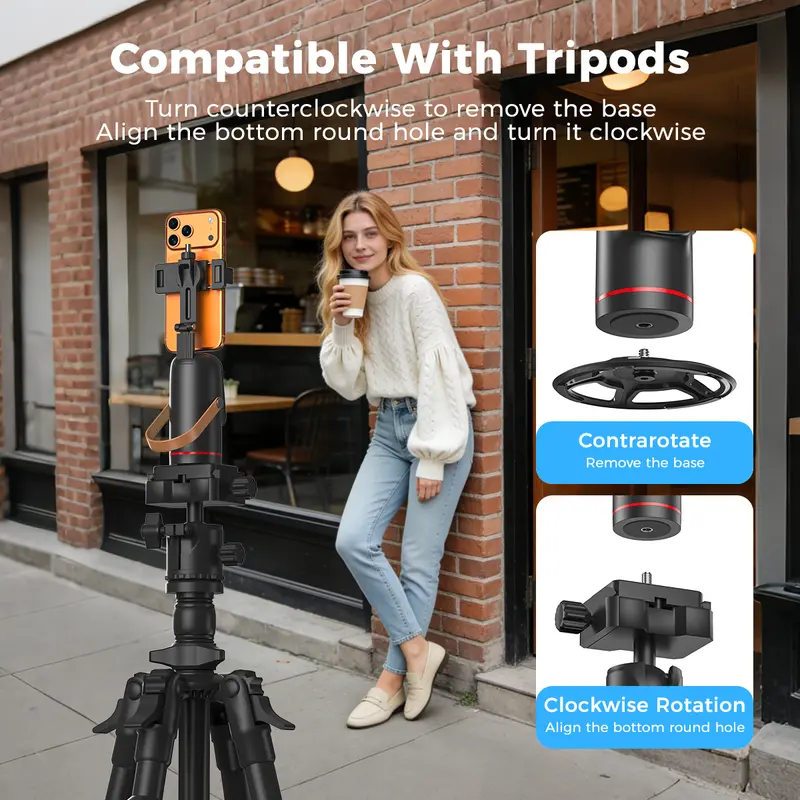
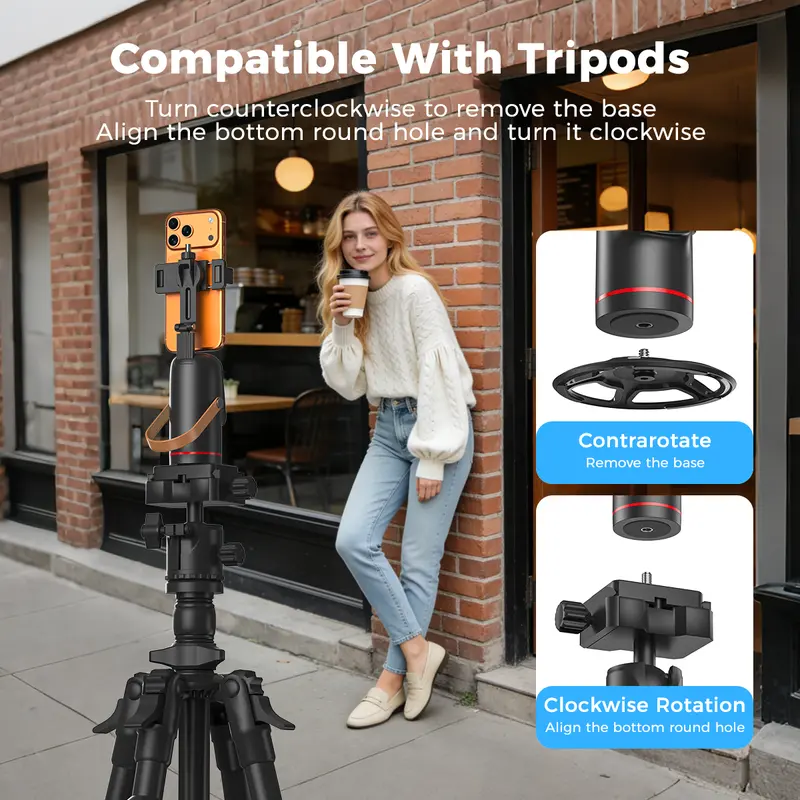
Choose a stable surface and frame the area where you will record.

03

Activate Tracking

Power on the device and follow the supplied setup instructions.

04

Start Creating

Test the tracking and gesture controls before your full recording.

INSERT IMAGE 09 — PHONE HOLDER / DEVICE DETAILS
DESIGNED AROUND YOUR PHONE

A More Organized Recording Space.

A dedicated phone holder helps keep your device in a consistent position while you record. Pair it with a tidy background and suitable lighting for a more polished result.

Before use, confirm your phone fits the holder securely and that the tripod is placed on a stable surface.

CHECK PRODUCT OPTIONS
WHY USE AN AUTO-TRACKING TRIPOD?

Less Fuss Around the Camera.

01 / FREEDOM

Hands-Free Recording

Spend more time presenting, demonstrating or moving instead of repeatedly adjusting your phone.

02 / FLEXIBILITY

More Ways to Film

Adapt your setup for personal videos, tutorials, practice sessions and everyday content.

03 / CONVENIENCE

Gesture-Based Control

Use supported gestures to control tracking without needing to touch your phone each time.

BEFORE YOU RECORD

Helpful Things to Know.

Will it work with my phone?

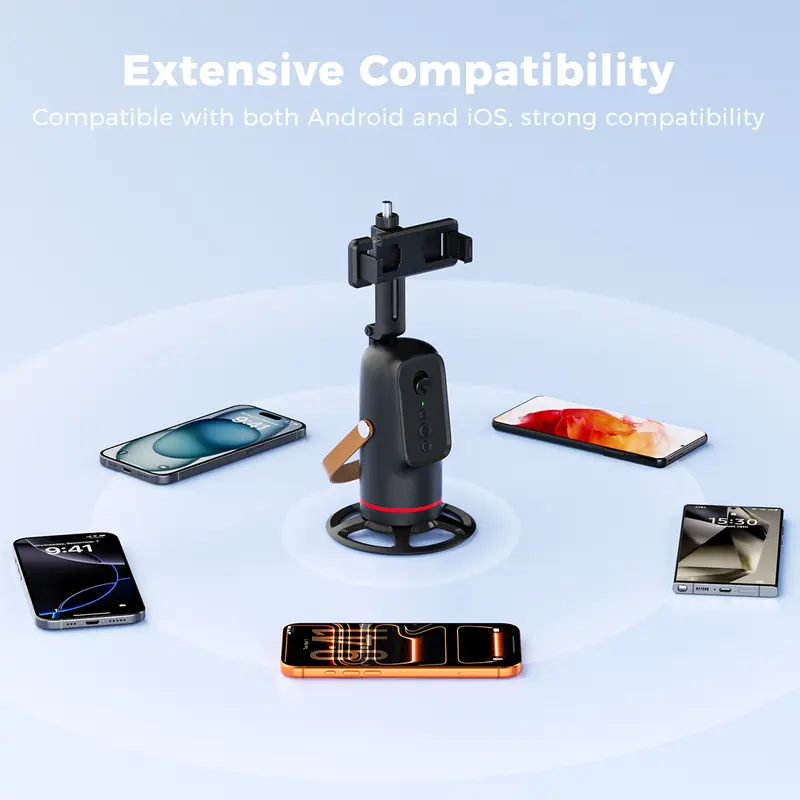
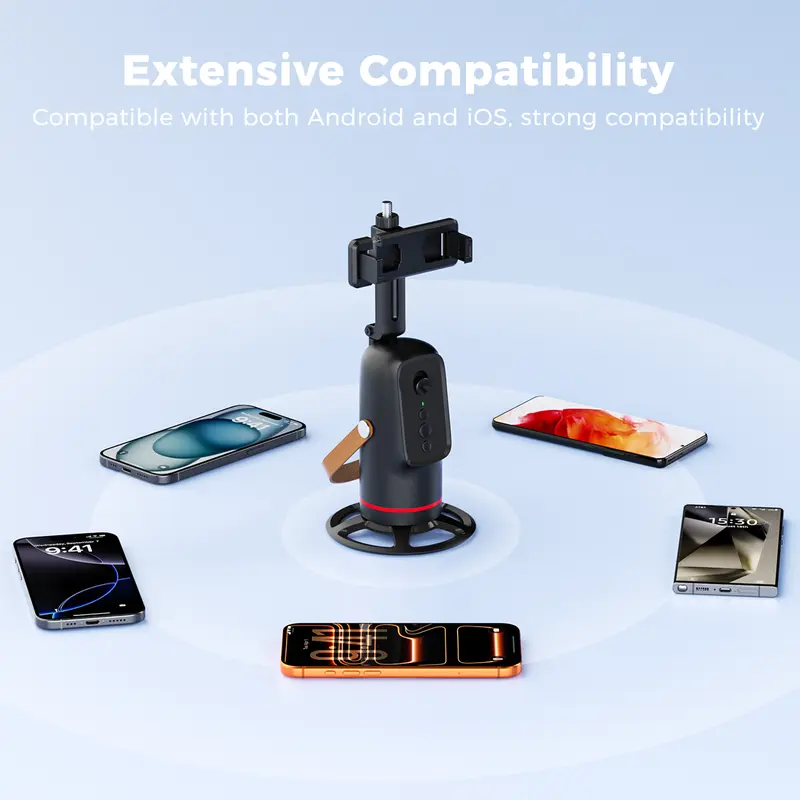
Check the product specifications for supported phone sizes, holder width and device compatibility before purchasing.

How do I start or pause tracking?

Use the controls or hand gestures supported by your exact model. Refer to the included manual for the correct operation sequence.

Can I use it for different kinds of videos?

It can suit a range of filming situations, including vlogging, demonstrations and video calls, depending on the device setup and the capabilities of your model.

What should I check before filming?

Confirm the phone is secure, place the tripod on a stable surface and test the tracking area before recording.

INSERT IMAGE 10 — FINAL LIFESTYLE / PRODUCT IMAGE
MAKE ROOM FOR YOUR NEXT IDEA

Bring More Freedom to Your Filming.

Set up your phone, step into the frame and focus on the moment you want to capture. A smarter filming setup can make creating on your own feel easier and more natural.

GO TO PURCHASE OPTIONS ↑

```

Recently viewed